Get Started Free


Before using XL-Connector
After using XL-Connector
Key Use Cases
Data Migration & Updates
From large Salesforce migration projects to simple updates, XL-Connector proves reliable across the board.
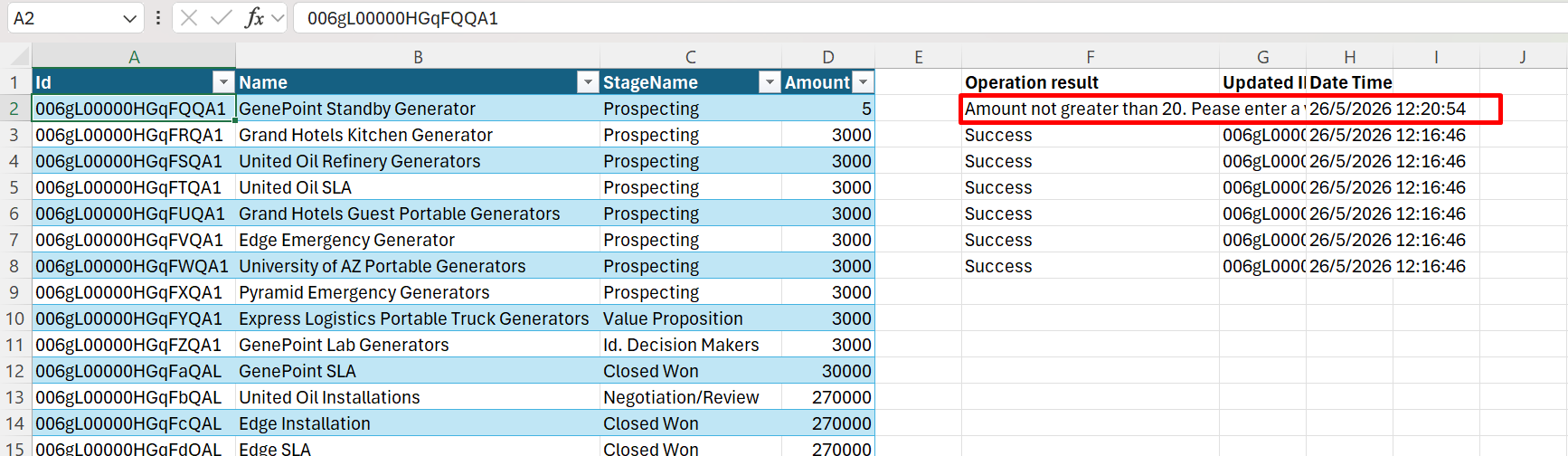
Having a single worksheet to import data and view errors makes the process significantly more efficient compared to CSV-based tools. Built-in error handling allows users to quickly identify and fix issues before running major updates.
I have drastically reduced the time and effort it takes to migrate data out of one platform and into Salesforce. I also love being able to switch between Salesforce orgs with a click of a button and easily exchange data between them.Landon Church
Data Auditing & Cleanup
Landon relies on XL-Connector as his primary tool for Salesforce data auditing and cleanup campaigns directly in Excel—ensuring data quality at scale at a low cost.
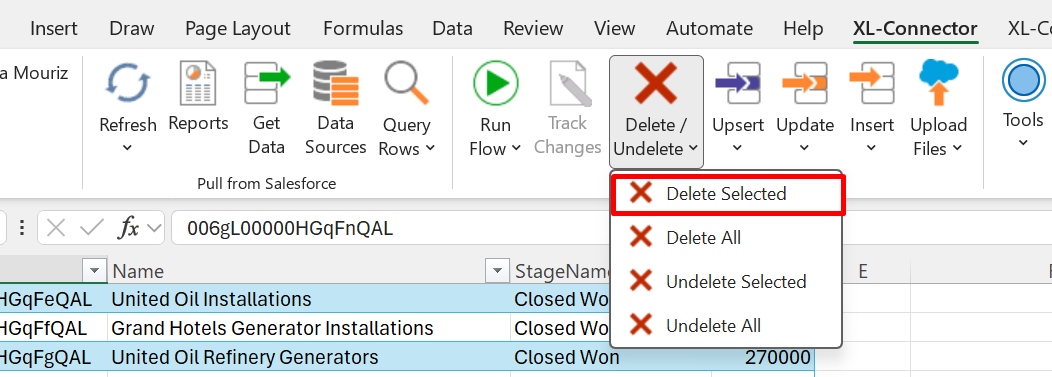
With capabilities like bulk Update, Upsert, Delete, and Merge, he can efficiently manage both data and metadata, making XL-Connector an essential tool for maintaining data hygiene.
Real-Time Analysis
XL-Connector’s dynamic SOQL query builder and advanced filtering enable users to extract precise datasets for instant insights.
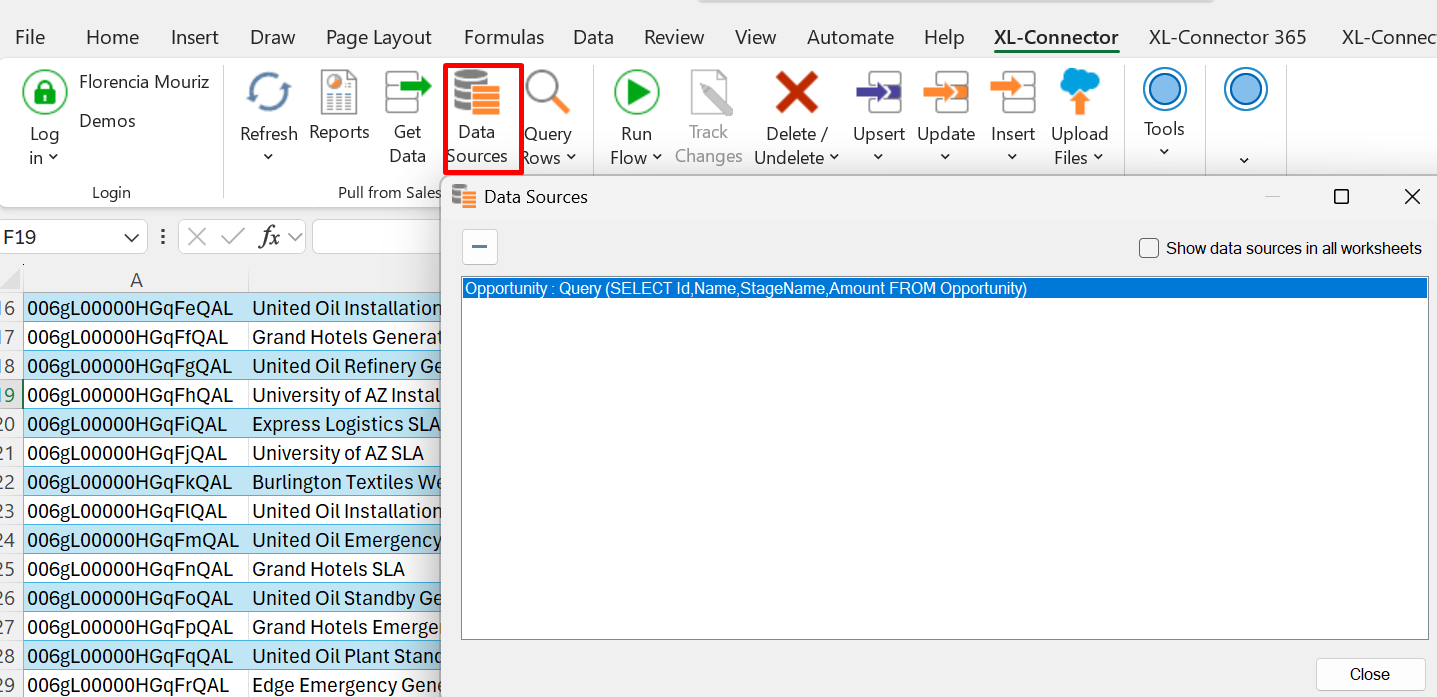
Landon especially values the ability to analyze field usage and view all fields within an object—including their formulas. With queries stored directly in worksheets, he can easily reopen files, refresh data, or modify queries as needed.
“I love being in meetings and being able to quickly grab data to present. The new filtering features have expanded the ability to filter on related object data — this is extremely helpful!”Landon Church
Development & Testing
By storing queries directly in worksheets, Landon can:
- Refresh data instantly
- Delete and retest scenarios quickly
This makes development testing faster, more flexible, and easier to manage.
“I have recently been using XL-Connector for development. The data queries live in the worksheet; this lets me “refresh” and “delete” records in mere seconds during testing.”
Standout Features
Several features make XL-Connector essential to Landon’s daily workflow:
- Saved Queries in Excel → Reopen files and instantly refresh or modify data
- Speed & Accessibility → Access Salesforce data within seconds of opening Excel
- Field & Metadata Visibility → Analyze field usage and formulas with ease
- Cross-Org Flexibility → Easily switch between environments
- Advanced Filtering → Especially for related object data
The Impact
With XL-Connector, Landon has:

Simplified complex data workflows into a single interface

Improved efficiency across both large-scale and daily data tasks

Enabled faster access to data and instant insights

Maintained cleaner, more reliable Salesforce data
Support Experience
Landon also highlights the consistency and quality of Xappex support:
“Xappex support deserves praise on its own. Every time I submit a support ticket, I get a response within hours or at max the next day. The support follows up until they are confident the ticket has been resolved — very professional!”
XL-Connector: Go-to tool for Salesforce data management
After years of use, XL-Connector isn’t just a tool—it’s a critical part of how Landon manages Salesforce.