Get Started Free



In order to be able to work with your HubSpot database from Excel, you’ll need to log in to HubSpot. XL-Connector 365 will always load the Log In page on first start or if the previous authentication has expired.
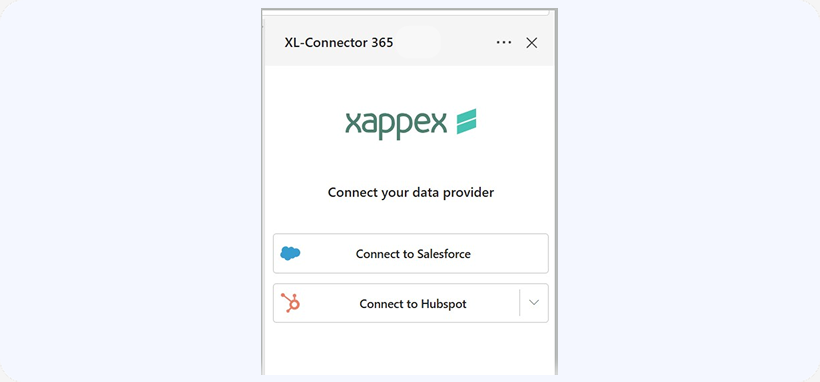
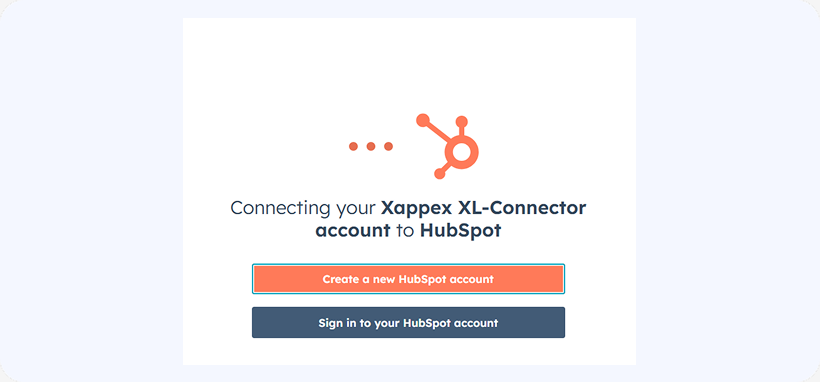
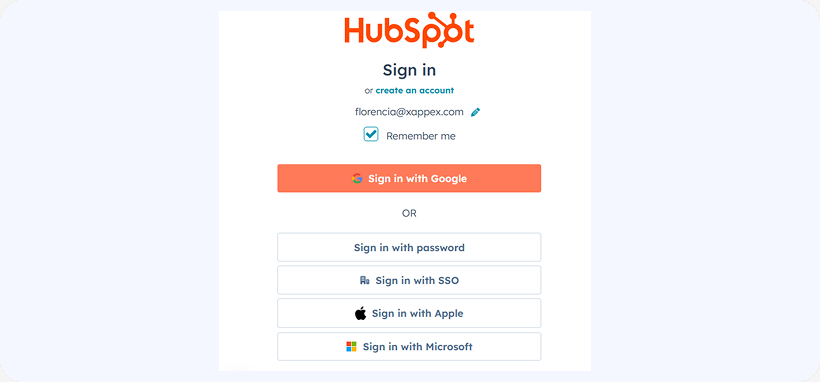
You will be able to select the way you want to log in:
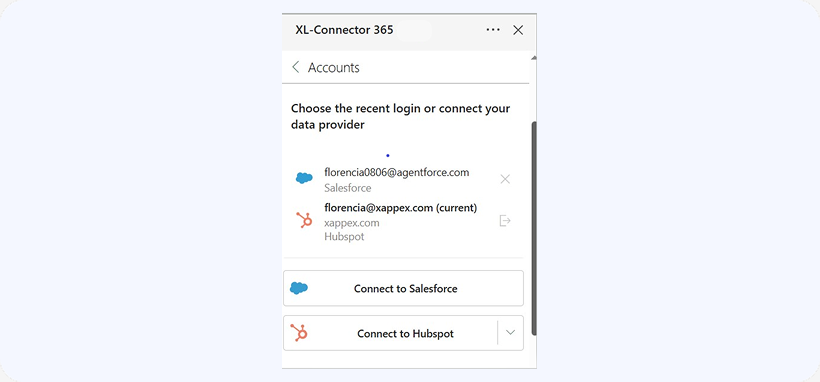
XL-Connector 365 can keep multiple logins active and make it possible to switch between multiple Salesforce/HubSpot orgs in no time.
To log in to an additional HubSpot org, click on Menu -> Accounts:
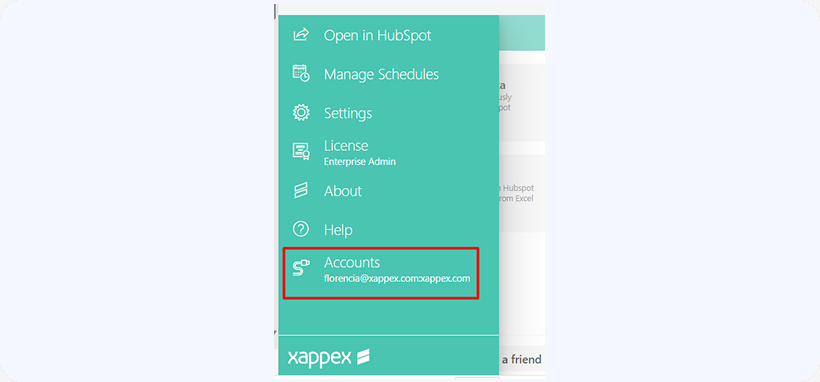
This menu item will let you switch between accounts if you are already logged in to multiple, or log in to an additional account: