
Unlock Smarter Salesforce Data Management
Mass import, export, update, delete and merge your data in the spreadsheet tools you already know. Xappex helps you build and share custom live reports, automate workflows and keep the quality of your data. The ultimate productivity tools for Salesforce data management. Skip manual work, CSV’s hassle or custom coding.

Trusted by exceptional brands around the world

















 Features
All-in-one tools for all your Salesforce data needs:

#1 Salesforce data Loader tool
Unlock unlimited data processing: Import and Export large amounts of data in bulk with lightning-fast API connection. Perform serious data work without crashes or slowdowns. Built for enterprise-scale data operations and org migrations.

Salesforce data cleansing
Keep your data quality and perform data transformations with seamless control: mass create, update, upsert, merge and delete your records. Mass convert leads in seconds.

Smarter Salesforce reporting
Bypass Salesforce report limitations. Build and share custom live reports and dynamic dashboards that refresh on a set schedule. Pull your data to a spreadsheet and unlock instant insights.

Store and Backup Salesforce data
Export files and data from Salesforce and save them in your teams preferred cloud-based storage: Google Drive, Sharepoint and One Drive. Share Salesforce files and data with your team.

Advanced Filtering
Use our dynamic SOQL query builder and custom filters to pull exactly the data you need. No technical skills required. Enjoy the fastest SOQL retrieval tool for Salesforce.

Scheduled Automation
Save queries and workflows to automate recurring data tasks. Set up workflows to refresh data hourly, daily, or weekly. Save 5+ hours weekly on manual refreshes. No more CSV hassle.
It’s like an Admin superpower
As a Salesforce admin, XL-Connector was my superpower for data loading and data transformation. I still recommend it to every admin I work with. It's one of my must haves in my toolkit. Jason DobroleskiManager, Engagement at Traction Rec
 Why Xappex
The Only Salesforce Data Tools You'll Ever Need
End Manual Salesforce Work
-
Skip CSVs, Data Loader, and tedious exports
-
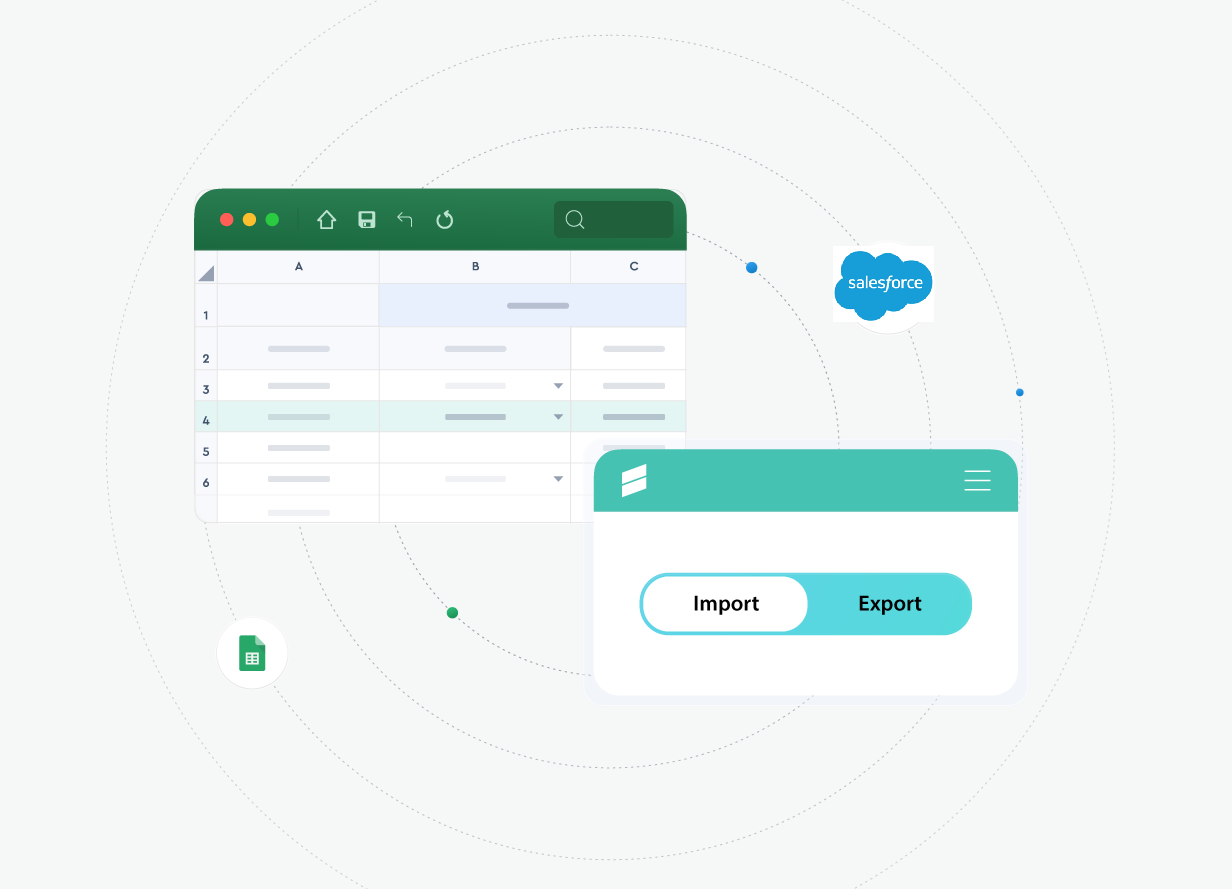
Xappex turns Excel/Google Sheets into your Salesforce command center
-
Bulk update, insert, upsert and clean data in minutes!
Real-Time Visibility, No Waiting
-
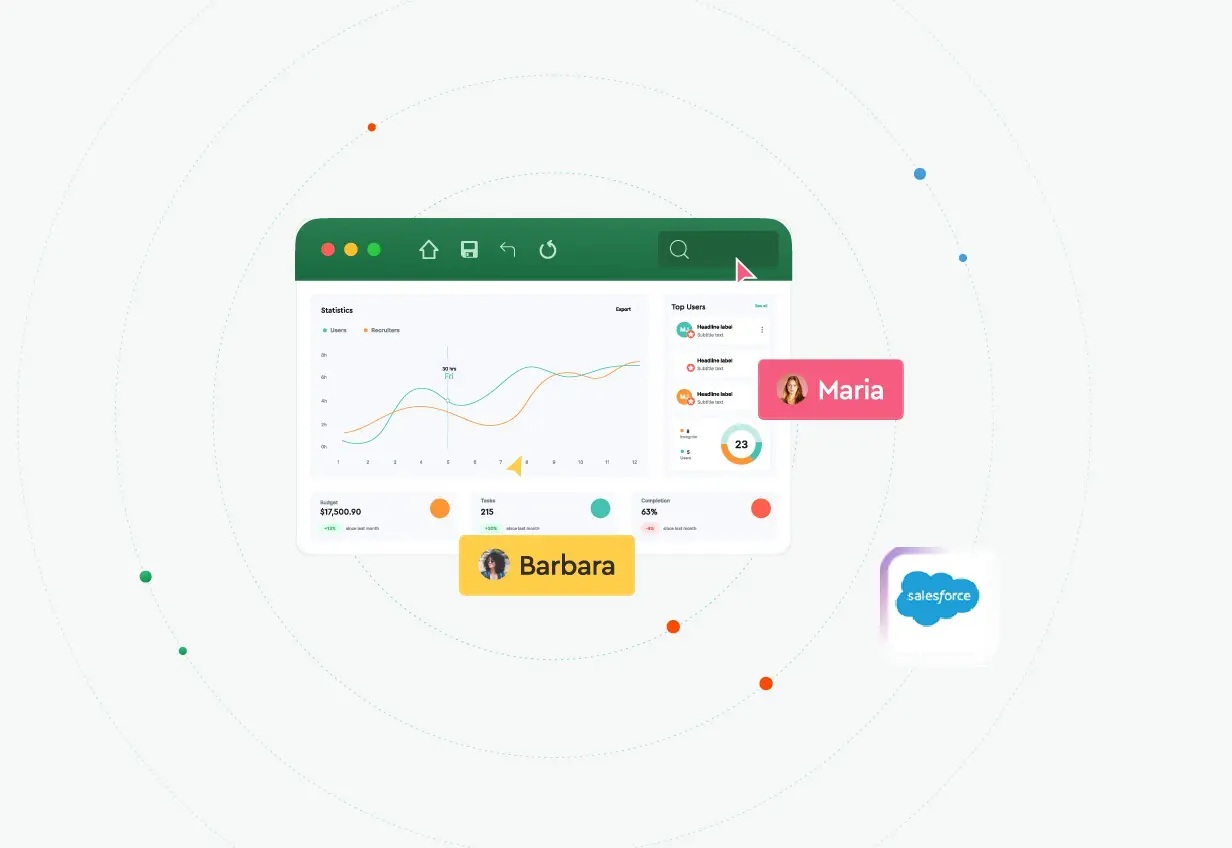
Pull live Salesforce data into spreadsheets for instant insights
-
Stop waiting for IT and struggling with Salesforce report limitations
-
Aggregate, create and share Salesforce custom reports easily
Invaluable tool!
This is the third company where I’ve used G-Connector, and calling it indispensable would be an understatement. As a sales leader, it’s been an invaluable tool for linking Google Sheets with Salesforce, enabling me to harness CRM data for deep insights that drive my team’s performance. Reliable, effective and one of my "secret weapons"!Justin AlsamarraiSales Manager at Toast

Empower Every Team
-
Your whole team can access and edit Salesforce data
-
Sales, Marketing, and Finance can analyze Salesforce data in spreadsheets, using familiar tools — no code required
-
Save on expensive Salesforce Licenses
Admin Power tools
-
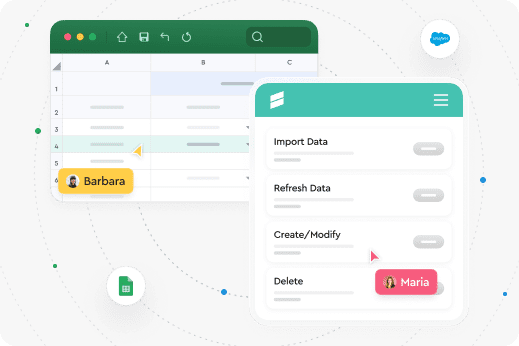
Admins & devs get a complete toolkit to manage metadata — all in Excel
-
Manage fields, validation rules, processes and security settings in bulk
-
Say goodbye to manual edits, repetitive tasks, and complex coding
-
Multiple org support

Best data management tool out there
When it comes to data clean-up, any type of audit/review and data manipulation - I have always relied on the XL-Connector. It never failed to make my process faster, simpler and saved me hours: no saving CSV, then finding them, opening, etc. I could easily make data changes, upload them, work on the errors and push them right back within minutes.Alesia DvorkinaDirector at Hmara Solutions
 Benefits
Easy, Fast, Secure Salesforce Integration

Enterprise-Grade Security
Your Salesforce data is safe. Direct connection—data stays within your systems. SOC 2 Compliant.

Professional Support
Talk to real people. Chat or call for Salesforce professional help.

Fast Setup & Simple UI
Up and running in minutes. Self-start, with support available.
 Get Started Free
No credit card
required
Products
Get Started Free
No credit card
required
Products
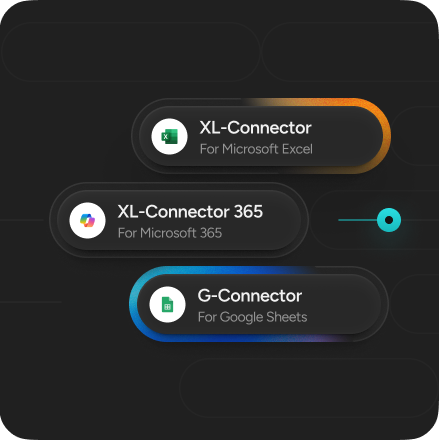
Discover Our Powerful Salesforce Data Tools
We offer 3 powerful tools that integrate spreadsheets with Salesforce to manage, analyze, and automate data effortlessly.

XL-Connector
for Microsoft ExcelDesigned for the desktop version of Excel on Windows. Securely connects Excel with Salesforce via fast API to streamline data and metadata management. The toolkit trusted by admins & developers!
-
Bulk import/export, update, and delete data
-
Manage Salesforce metadata in bulk
-
Clean & transform data in Excel
XL-Connector 365
for Microsoft 365Works in Excel for Office 365 and Mac. Automates, manipulates data, and creates live reports with seamless bi-directional connectivity. The ultimate data tool in Excel for Salesforce and Hubspot Teams.
-
Real-time reports, scheduled workflows, team notifications
-
Team data management and Sharepoint/One Drive Integration
-
Offline data loads

G-Connector
for Google SheetsBi-directional live data sync between Salesforce and Google Sheets. Designed for teams who want to manipulate, report and automate Salesforce data in Sheets.
-
Real-time reports and scheduled workflows
-
Team data management and Google Drive integration
-
Team notifications via Slack/Email
Supercharge Your Workflow
Get Started in Seconds
Try our Salesforce data tools free or upgrade. Simplify your Salesforce data management today! Solve Salesforce to spreadsheet challenges now.
No credit card required

Customers worldwide
500k+

Companies trust us
20k+

Product reviews
457
Here’s what our customers have to say about Xappex products.
What's Data Loader anymore!?
I've been an XL Connector customer for over 7 years and multiple employers now. XL Connector hits such a sweet spot for price to functionality, all within the familiar Excel interface. It's a one-stop-shop for the entire data manipulation to data loading cycle. I'd highly recommend this - the hours it's saved me over Data Loader are too significant to even try and guess at this point.Steven BlackwellSenior Business Systems Analyst at Magnet Forensics

XL-Connector a must for any Admin
XL-Connector has been one of main super apps in my toolkit. I use it daily and couldn't live without it. It simplifies things so much when you work heavily in spreadsheets and manipulate/report data and can easily push/pull data from Salesforce. And there are so many other cool other features that make the life of an admin so simple. You should get it now!Bao Do, CPASolution Architect at Accretive Advisory

Awesome data management tool + more!
Simple to use, I have all my orgs connected to it and it is so easy to transfer data between source & destination with its field mapping and friendly UI. I especially love the additional tools for managing fields, picklists, FLS and more system orientated metadata. A real bonusRobert ReevesSenior BRM Salesforce at Zimmer Biomet

So Unique. So Useful. So Essential.
Thinking about it, if I lost access to this tool, I would really struggle to do my job or help customers. I genuinely believe it is the best money any company can spend on an AppExchange product, and it literally pays for itself within weeks when you see how much better your data becomes. It should also be the first tool any new Admin asks for when they start a new job.Dave HolfordSalesforce Solution Architect at Freelance

A robust tool for Admins and Consultants working from Excel
This tool has added so much value to projects and data loads over my consulting career. Being able to work from Excel to load test data into Sandboxes, understand how customer data is structured and download object data models has simply made my life easier and saved me hours. Additionally, the team at Xappex are responsive and supportive to feedback, suggestions, and queries.Alastair DinningEngagement Delivery Manager at Salesforce

Try our powerful Salesforce data tools for free or upgrade for full access.
 Get Started Free
No credit card required
We’ve Got Answers
Frequently Asked Questions About Xappex & Salesforce Integration
What is Xappex and what does it do?
Xappex provides powerful data management tools that integrate Salesforce with Excel and Google Sheets, helping users easily manage data and metadata in bulk, automate workflows, streamline reporting, and improve collaboration.
What’s the difference between G-Connector, XL-Connector, and XL-Connector 365?
G-Connector integrates Salesforce with Google Sheets, XL-Connector works with Excel desktop, and XL-Connector 365 works with Excel Online and desktop versions in Windows and Mac, with each offering different features and capabilities.
How does Xappex help with automation?
Xappex automates data refreshes, updates, and workflows between Salesforce and spreadsheets without requiring custom code.
What are the system requirements for installation?
You need Salesforce API access plus either Google Sheets, Excel desktop, or Excel Online depending on the connector.
Is there a free version available?
Xappex offers limited free or trial versions, with paid plans unlocking higher limits and advanced features.
Can I use Xappex with multiple Salesforce accounts?
Yes, you can connect to multiple Salesforce orgs by switching or managing different authenticated connections.