
G-Connector
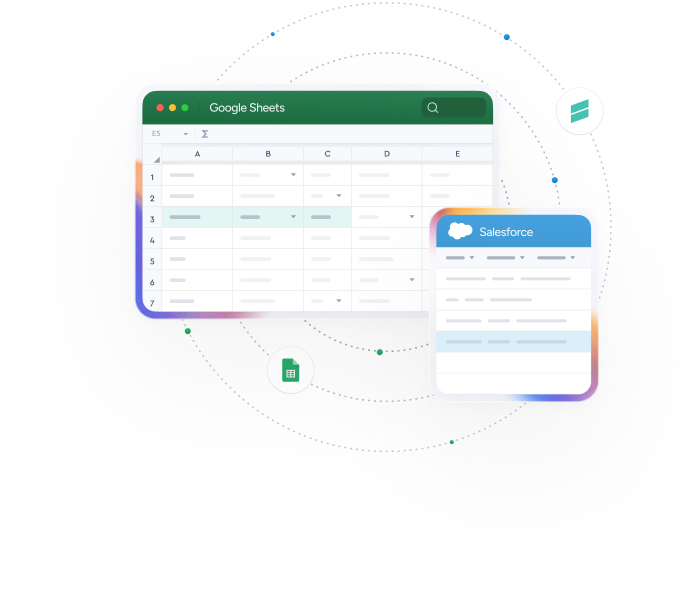
Unlock the power of Google Sheets for your Salesforce data. Automate Salesforce reports and harness data for deep insights. For teams who want to report, edit and work collaboratively with live Salesforce data.
No credit card required
Trusted by exceptional brands around the world














 Features
A powerful Google Sheets to Salesforce Connector

Bulk Operations
Update 10,000 records in under 2 minutes. Import, export, and update massive datasets instantly.

Real-Time Data Sync
Connect live Salesforce data to Google Sheets. Updates flow automatically so your team always works with live data.

Scheduled Automation
Set up workflows to refresh data hourly, daily, or weekly. Save 5+ hours weekly on manual refreshes. No more CSV hassle

Direct File Management
Download and upload attachments directly between Salesforce and Google Drive. Share files without expensive SF licenses.

Team Collaboration
Build and share live Salesforce dashboards with your team. Everyone can access, comment, and collaborate in real-time.

Advanced Filtering
Use SOQL queries and custom filters to pull exactly the data you need. No technical skills required.
Make Google Sheets your command center for Salesforce
Stop chasing data, start closing deals
Track pipeline performance, analyze campaign ROI, and create forecasts that actually help you hit your numbers—all in real-time.
-
Pull live pipeline data and lead sources instantly
-
Create shareable campaign performance dashboards
-
Edit, transform and cleanse Salesforce data in bulk
-
Schedule hourly record updates into Salesforce
 Get Started Free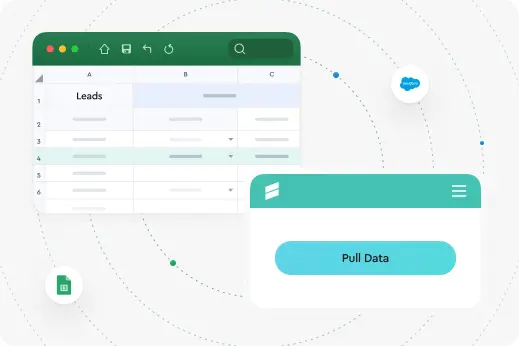
Transform raw Salesforce data into actionable insights
Slice and dice complex data sets, create advanced reports, and uncover trends that drive strategic decisions.
-
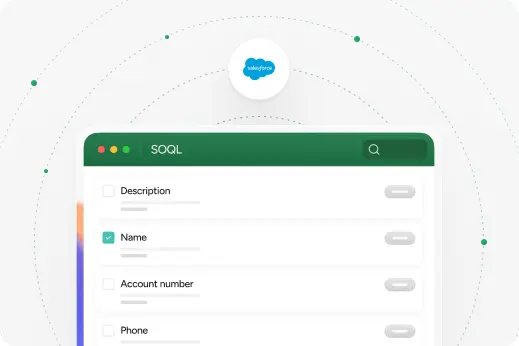
Execute SOQL queries without technical barriers
-
Combine multiple Salesforce orgs and external data sources
-
Build historical trend analysis with timestamped snapshots
-
Make advanced calculations beyond Salesforce limits
Streamline revenue operations and financial reporting
Automate data flows, reconcile financial records, and create executive dashboards that keep leadership informed.
-
Reconcile Salesforce revenue data with external financial systems like Accounting Seed
-
Perform bulk operations for invoice and payments management
-
Track revenue trends and forecast accuracy over time
-
Pull summary Financial Cube data (Accounting Seed Integration)
 Why Xappex
Why teams choose G-Connector
Salesforce data management made simple
Transform Google Sheets into your Salesforce powerhouse. Eliminate hours of manual work through intelligent automations, process thousands of records instantly, and unlock quick insights that drive decisions. Familiar interface, extraordinary results.
It just works the way your team works
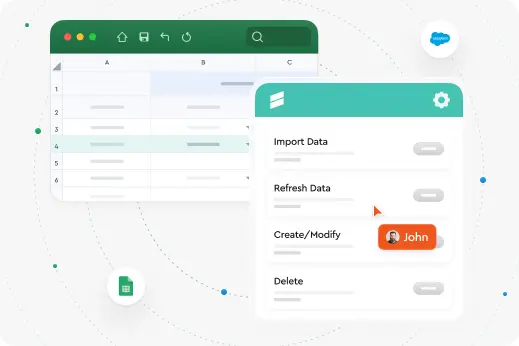
Your team already knows Google Sheets. No training, no new software to learn. Just better, faster access to your Salesforce data with the collaboration features you rely on.
 How It Works
G-Connector in Action
Getting started is simple – powerful results in minutes
Benefits
G-Connector advantage for your Salesforce data

Outstanding Customer Support
Our world class Salesforce Professional Edition Support makes the difference. Our customers say support is worth the cost alone!

Manage Salesforce Data in Google Sheets
Push, pull, delete and transform your Salesforce data without limits in a familiar Google Sheets environment.

Automate Your Workflows
Build automatically updated custom Salesforce reports that refresh on a set schedule.
Share and work collaboratively with Salesforce data
Ideal for teams that want to save on Salesforce licenses
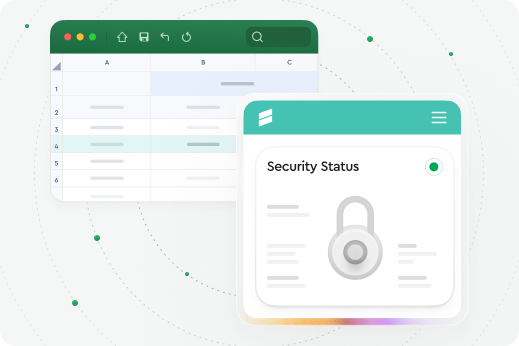
Safe & Secure
Security in G-Connector
Your data never leaves the secure connection between Google Sheets and Salesforce.
-
SOC2 Type 2 Compliant with annual security audits
-
Direct connection between Google and Salesforce only
-
Enterprise-grade security using platform authentication you've already approved
 Collaboration
Work together on live Salesforce data
Share dashboards, edit data, and track changes in real-time. Your entire team can collaborate on Salesforce data just like any other Google Sheet—with version control, permissions, and all the collaboration features you depend on.
Have all your team members on board
-
Notifications among your team
-
Work on a spreadsheet together
-
Save on salesforce licences
-
Access live data

 Case Study
From Manual Reporting to Automated Insights
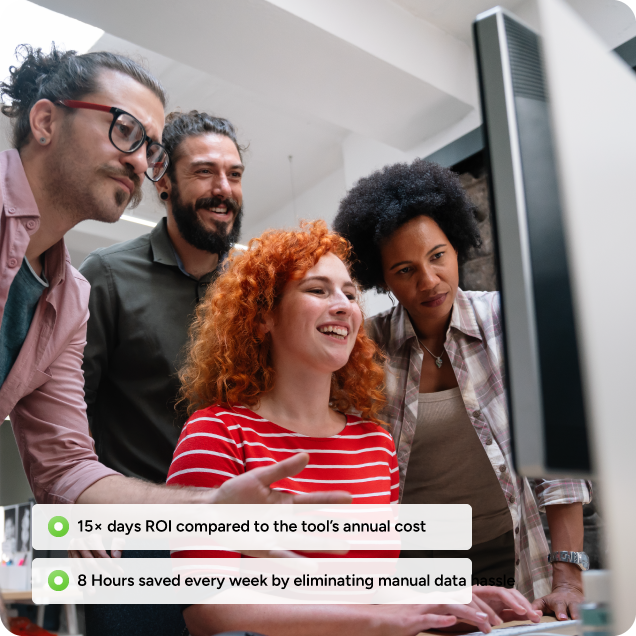
See how Why Minded automated Salesforce reporting with G-Connector—eliminating manual work, improving data access, and scaling insights across teams.
Compared to the small investment in G-Connector, the return has already been massive.
 Supercharge Your Workflow
Get Started in Seconds
Try our powerful Salesforce data tools for free or upgrade for full access. Simplify data management and boost efficiency today!
No credit card required
 Reviews
What People Say About G-Connector
Here’s what our customers have to say about Xappex products.
Time Saving App That Transforms Efficiency
This tool has genuinely made my job and the job of my team vastly more efficient. Its ease of use and automatic operations have made connecting Salesforce data to Google Sheets a fully automated, worry-free operation that saves loads of time. Will RitchingsSenior Director for Customer Insights, SecurityScorecard

Best Connector for Salesforce I've Used
I have worked with a lot of Salesforce & Google Sheets connectors over the last 10 years, and G-Connector has always been my go-to application. It saves me a ton of time by not having to export reports and keep updating via new exports or creating queries.Tami MillerHead of Delivery, Accelerize 360

Best Value Tool for Reporting
I rely heavily on this tool to summarize financial data and business KPIs in Google Sheets, so that metrics can be more easily shared than an SF dashboard. I'm not one to pay for premium software if I don't have to, and this is perhaps the best value tool I use.Jeremy BardetVice President Finance and Operations, Pioneer Motor Bearing Co.

An Exceptional Tool for Data Management
I've been a dedicated user of G-Connector for the past five years, and I can confidently say that it is absolutely exceptional. G-Connector has transformed the way I handle and manipulate large volumes of data, making it an indispensable part of my toolkit.Alon RozinDirector of Revenue Operations, CloudShare

Created Operational Dashboard with Live Data
When it came to creating a complete operational dashboard for one organization I worked with, G-Connector was far and beyond the best solution! Our dashboard allowed us to track progress against program goals in a compact format that we could pull up anywhere.Grant NevilleGrowth Operations, Checkit

Join our community of satisfied customers
Try our powerful Salesforce data tools for free or upgrade for full access.
 Get Started Free
No credit card required
More from Xappex
Discover Other Products by Xappex
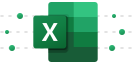
XL-Connector
for Microsoft ExcelXL-Connector safely integrates Excel and Salesforce to seamlessly export, import, refresh and transform data with a lightning fast API connection.
XL-Connector 365
for Microsoft 365A complete data management and automation toolbox that, combined with the power of Excel, will take your productivity to new heights.

Google Looker Studio Connector for Salesforce
Connect one of the following data sources to your Looker Studio reports and dashboards:

G-Connector for Zoho CRM
Connect your Google Spreadsheet to Zoho CRM and exchange data with it both manually and automatically.
We’ve Got Answers
Frequently Asked Questions
Can formulas exist in the same Sheet as synced data?
Yes. Formulas can be placed in separate columns or tabs so they are not overwritten during sync.
How many Sheets can be automated simultaneously?
You can now schedule up to 100 documents per user for automatic data import/export
Can access be restricted to specific teams or departments?
Yes. Access is controlled via Salesforce permissions and license level. G-Connector also supports domain-based access rules, giving users security, flexibility, and control over who can view and access your Salesforce data in Google Sheets
Does G-Connector support sandbox and production orgs?
Yes. It supports both environments.
Can we pause or disable a schedule without deleting it?
Yes. Scheduled jobs can be paused or disabled temporarily.
How often do the scheduled jobs run?
Scheduled workflows can run monthly, weekly, daily and hourly.
Can I log in to multiple Salesforce orgs with G-Connector?
Yes, there’s no limit as to the number of Salesforce orgs you can log in to.