How to Create a Custom Report in Salesforce (Lightning & Classic)
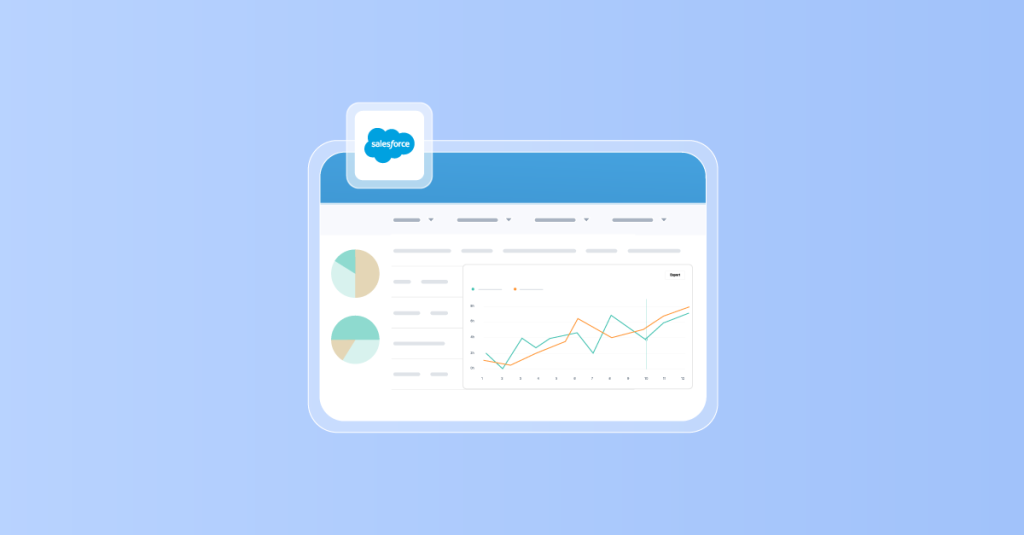
Custom Reports in Salesforce let you answer real business questions instead of relying only on standard dashboards.
Get expert Salesforce tips, insights, and hacks for admins and developers. Stay ahead with the latest trends and boost your expertise!
Custom Reports in Salesforce let you answer real business questions instead of relying only on standard dashboards.
Xappex Newsletter
Subscribe for more content

How-To
Custom Reports in Salesforce let you answer real business questions instead of relying only on standard dashboards.
The “Invalid Cross Reference ID” error means Salesforce can’t find a record that another record or process is trying to...
Sharing Salesforce reports effectively is essential for team collaboration and decision-making. This blog provides a detailed guide on sharing Salesforce...
Running low on storage in Salesforce can sneak up on you — suddenly reports slow down, record creation is blocked,...
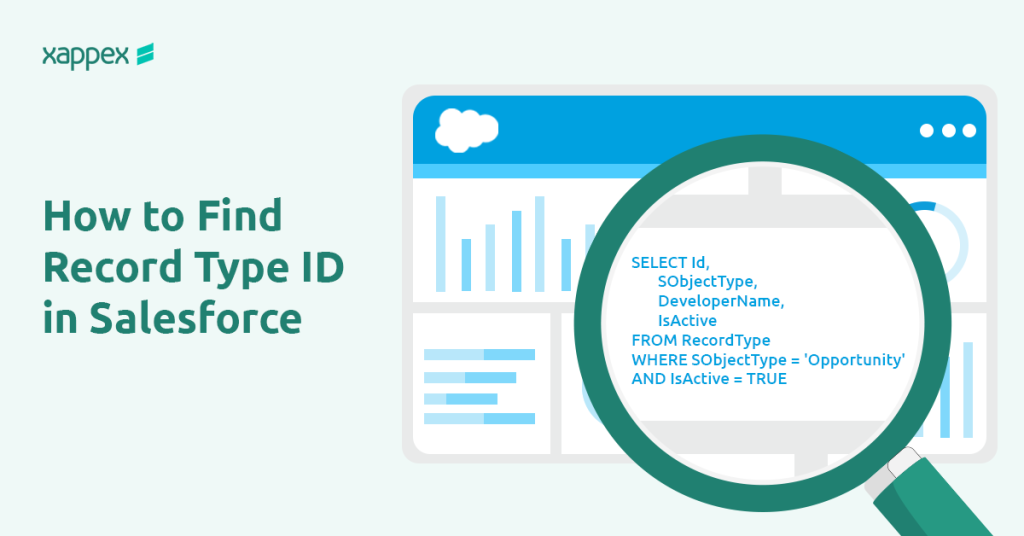
In Salesforce, Record Types help define different processes and layouts for various business needs. But when working with code, integrations,...
Sharing Rules in Salesforce let you give users access to records they don’t have access to by default. In this...
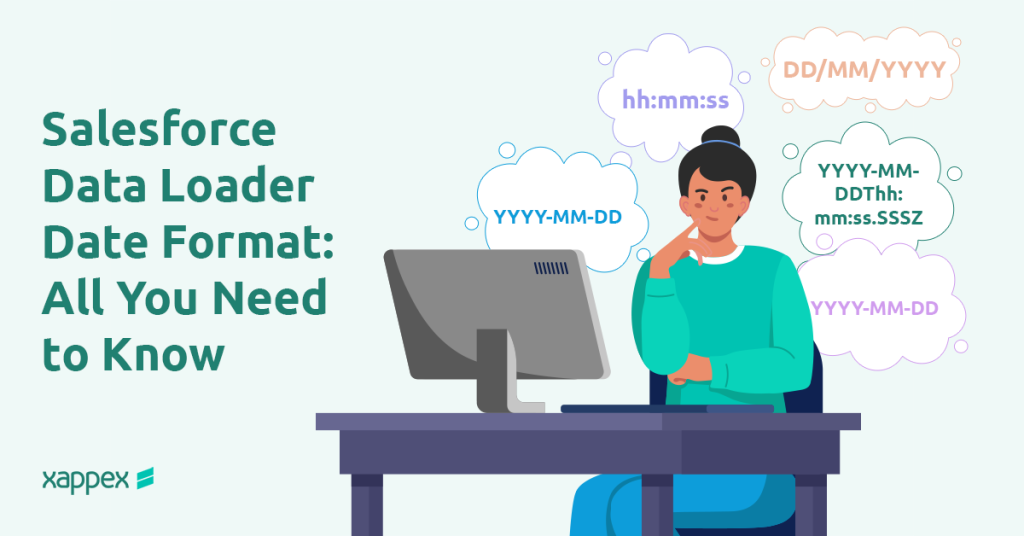
When importing data into Salesforce using Data Loader, ensuring the correct date format is crucial to avoid errors. Salesforce supports...
Salesforce Dynamic Dashboards are powerful tools that enable users to visualize data in real-time, access reports with detailed insights, and...
A joined report in Salesforce allows you to merge data from multiple report types or objects into one comprehensive report....