
G-Connector: Connect Salesforce to Google Sheets
Two-way sync between Salesforce and Google Sheets. Pull CRM data with precision, transform your data and push edits back. Automate workflows and share live dashboards with your team — no extra Salesforce licenses needed for viewers. Save Salesforce data and files in Google Drive.
No credit card required
 Features
A powerful Google Sheets to Salesforce Connector

Bulk Operations
Update 10,000 records in under 2 minutes. Import, export, and update massive datasets instantly. Mass edit records and keep data quality

Real-Time Data Sync
Connect live Salesforce data to Google Sheets. Updates flow automatically so your team always works with live data.

Scheduled Automation
Set up workflows to refresh data hourly, daily, or weekly. Save 5+ hours weekly on manual refreshes. No more CSV hassle

Direct File Management
Download and upload attachments directly between Salesforce and Google Drive. Share files without expensive SF licenses.

Team Collaboration
Build and share live Salesforce dashboards with your team. Everyone can access, comment, and collaborate in real-time.

Advanced Filtering
Use SOQL queries and custom filters to pull exactly the data you need. No technical skills required.
What You Can Do with G-Connector
Pull Salesforce Data into Google Sheets
Get Salesforce data to Google Sheets in seconds. Export any existing Salesforce report or pull data with our dynamic SOQL query builder. Connect to any object — contacts, accounts, opportunities, custom objects — with filters to get exactly what you need. The easiest Google data connector for Salesforce available.
 Get Started For Free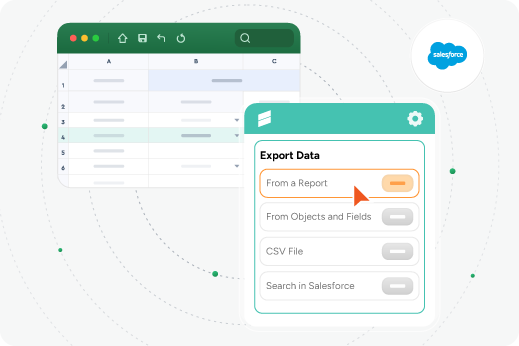
Two-Way Sync — Edit in Sheets, Update in Salesforce
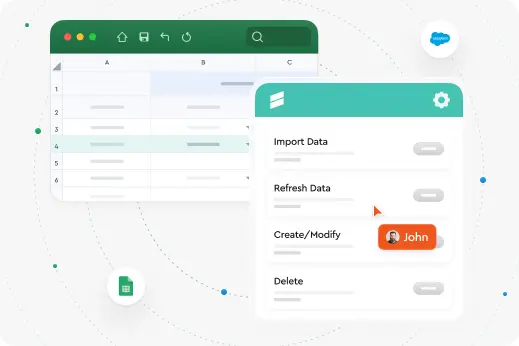
This Google Sheets Salesforce integration goes both ways. Make changes in Sheets and push them back to Salesforce. Mass update records, create new ones, mass delete or bulk-edit — all from the familiar spreadsheet your team already knows.
Share Live Dashboards Without Extra Licenses
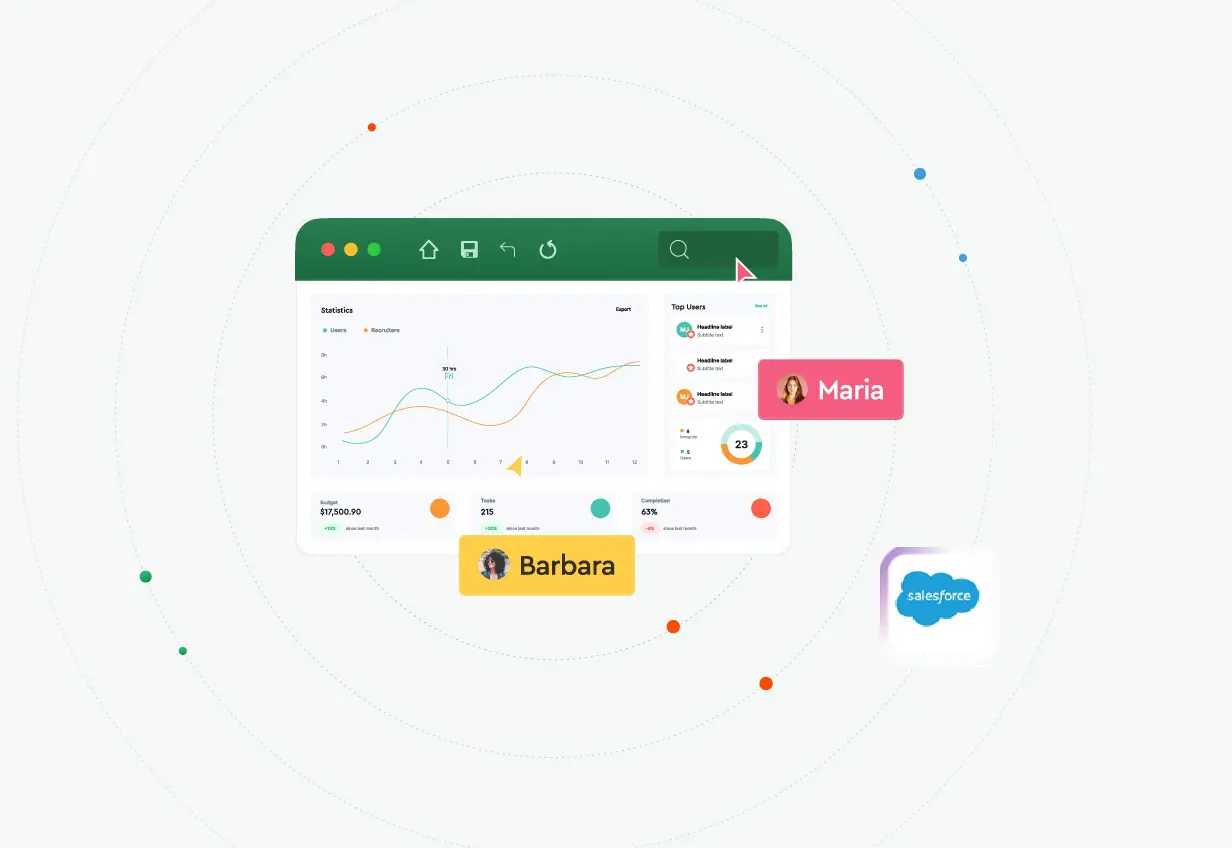
Build custom reports in Google Sheets using live Salesforce data. Share with anyone — no Salesforce license required. The Salesforce connector for Google Sheets that makes CRM data accessible to everyone.
Export Salesforce Reports and automate data updates
Want to export a Salesforce report to Google Sheets? Pull any standard, custom, or joined report directly into a spreadsheet. Refresh on demand or set up automatic updates. Refresh up to 100 Sheets instantly
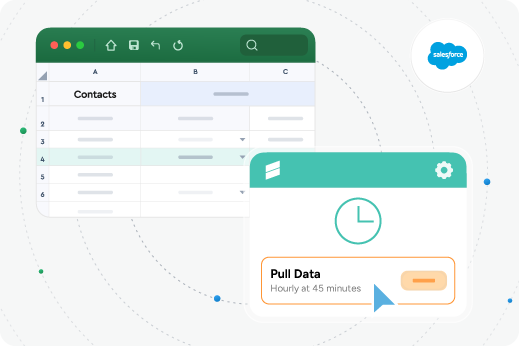
Google Drive and Salesforce Integration
G-Connector works within Google Workspace. Access your Google Drive and Salesforce integration from any browser, on any device. Store query templates and data in Drive for team collaboration.
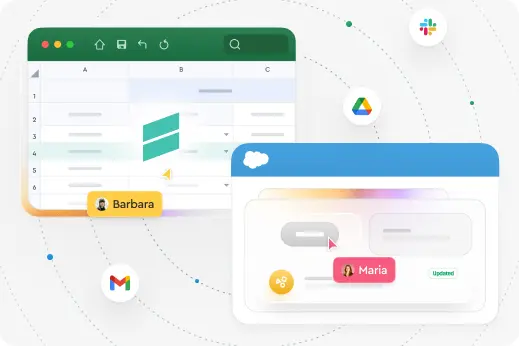 Collaboration
Why Connect Salesforce to Google Sheets?
Google Sheets becomes your team’s command center for Salesforce data. Multiple team members view and edit simultaneously, comment in real time, access from any device. G-Connector for Salesforce keeps everything in sync — Sheets always reflect the latest Salesforce data, your org always has the latest edits. No desktop app, no version conflicts.
Have all your team members on board
-
Notifications among your team
-
Work on a spreadsheet together
-
Save on salesforce licences
-
Access live data
 Social Proof
Trusted by thousands of teams around the world

Outstanding Customer Support
Our world class Salesforce Professional Edition Support makes the difference. Our customers say support is worth the cost alone!

Manage Salesforce Data in Google Sheets
Push, pull, delete and transform your Salesforce data without limits in a familiar Google Sheets environment.

Automate Your Workflows
Build automatically updated custom Salesforce reports that refresh on a set schedule.
Share and work collaboratively with Salesforce data
Ideal for teams that want to save on Salesforce licenses
Reviews
What People Say About G-Connector
Here’s what our customers have to say about Xappex products.
Time Saving App That Transforms Efficiency
This tool has genuinely made my job and the job of my team vastly more efficient. Its ease of use and automatic operations have made connecting Salesforce data to Google Sheets a fully automated, worry-free operation that saves loads of time. Will RitchingsSenior Director for Customer Insights, SecurityScorecard

Best Connector for Salesforce I've Used
I have worked with a lot of Salesforce & Google Sheets connectors over the last 10 years, and G-Connector has always been my go-to application. It saves me a ton of time by not having to export reports and keep updating via new exports or creating queries.Tami MillerHead of Delivery, Accelerize 360

Best Value Tool for Reporting
I rely heavily on this tool to summarize financial data and business KPIs in Google Sheets, so that metrics can be more easily shared than an SF dashboard. I'm not one to pay for premium software if I don't have to, and this is perhaps the best value tool I use.Jeremy BardetVice President Finance and Operations, Pioneer Motor Bearing Co.

An Exceptional Tool for Data Management
I've been a dedicated user of G-Connector for the past five years, and I can confidently say that it is absolutely exceptional. G-Connector has transformed the way I handle and manipulate large volumes of data, making it an indispensable part of my toolkit.Alon RozinDirector of Revenue Operations, CloudShare

Created Operational Dashboard with Live Data
When it came to creating a complete operational dashboard for one organization I worked with, G-Connector was far and beyond the best solution! Our dashboard allowed us to track progress against program goals in a compact format that we could pull up anywhere.Grant NevilleGrowth Operations, Checkit

Join our community of satisfied customers
Try our powerful Salesforce data tools for free or upgrade for full access.
 Get Started Free
No credit card required
Supercharge Your Workflow
Connect Salesforce to Google Sheets in Seconds
No credit card required
FAQ
How do I connect Salesforce to Google Sheets?
Install G-Connector from the Google Workspace Marketplace, authorize your Salesforce org with OAuth, and you’re connected. Setup takes about 1 minute.
What is G-Connector?
G-Connector is a Salesforce Google Sheets connector by Xappex. It provides two-way sync and amazing data management capabilities like SOQL query support, bulk operations, report exports, scheduled syncs and team notifications.
Can I export Salesforce reports to Google Sheets?
Yes. Standard, custom, and joined reports. Set up automatic refreshes to keep data current.
Does it integrate Google Drive with Salesforce?
G-Connector works within Google Workspace, so Salesforce data in Sheets is accessible through Google Drive.
Can my team view data without Salesforce licenses?
Yes. Once data is in Sheets, anyone with access can view and collaborate. Only the person syncing needs a Salesforce login.
Is my data secure?
OAuth 2.0 authentication. Credentials never stored. All transfers via Salesforce’s secure API.