Get Started Free


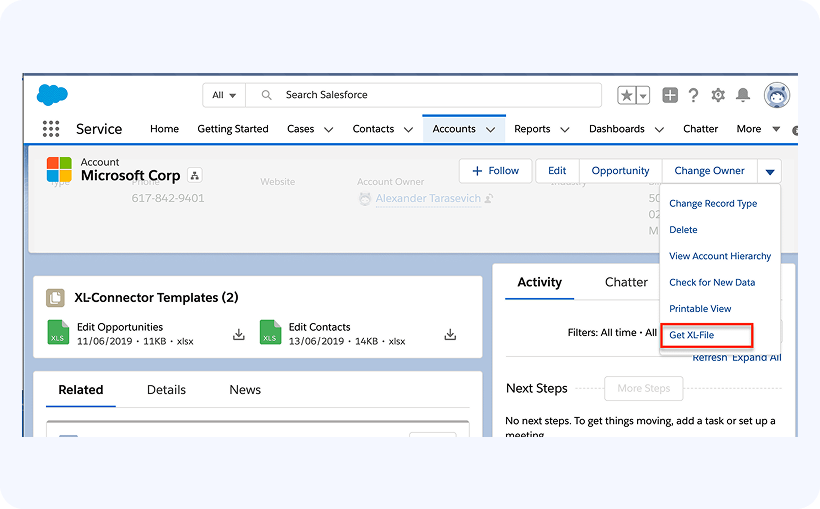
Configuring a button to download the linked XL-Connector template in Salesforce Lightning Experience is the same as in Salesforce classic: Configuring a button to download object-specific XL-Connector templates on Salesforce Classic
Once configured, the button will appear under the actions menu in the top right corner of the record page: