Get Started Free

Xappex customer portal now has a way for any enterprise account owner to control (turn on/off) user interface and other features for all users of a corporate a G-Connector subscription.
-
1
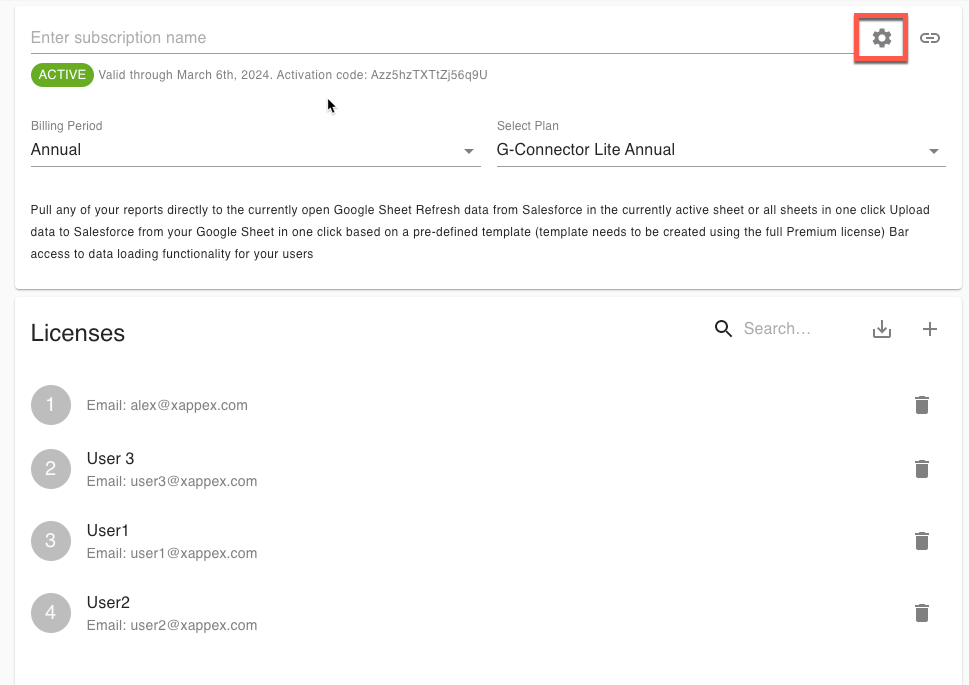
To access these subscription settings, click on the following button in your G-Connector subscription:
-
2
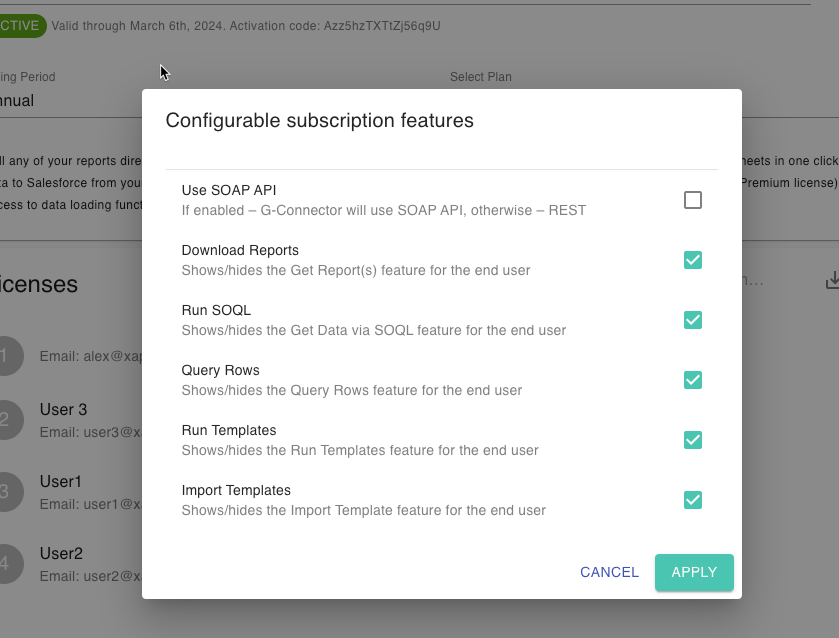
The subsequent dialog box will allow the company admin to turn On/Off user interface elements for all users of this specific subscription. The following options are available for G-Connector Premium Lite subscriptions:

-
3
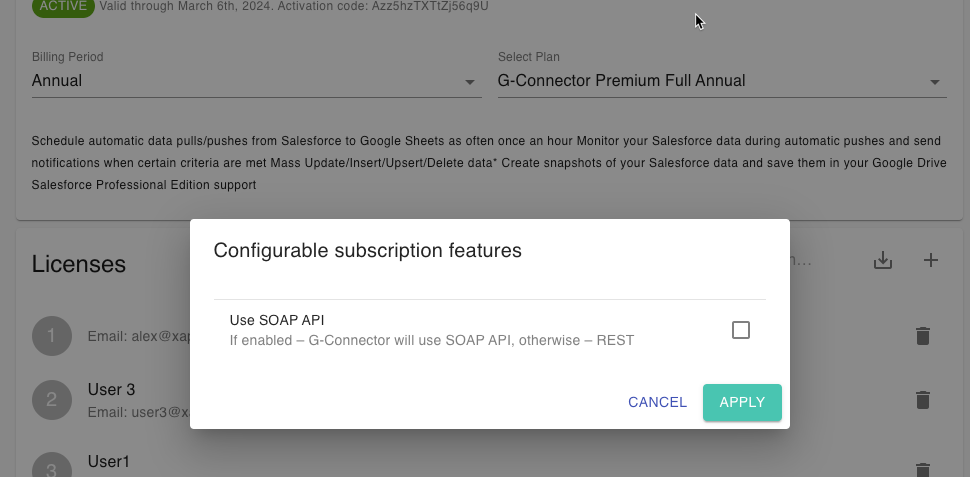
The following option is available for G-Connector Premium Full subscriptions: