
 Get Started Free



G-Connector can automatically send Slack messages to the Slack channel of your choosing notifying you about a successfully or unsuccessfully completed automatic jobs.
Any scheduler notification can be sent to a Slack channel as well as email or Chatter group.
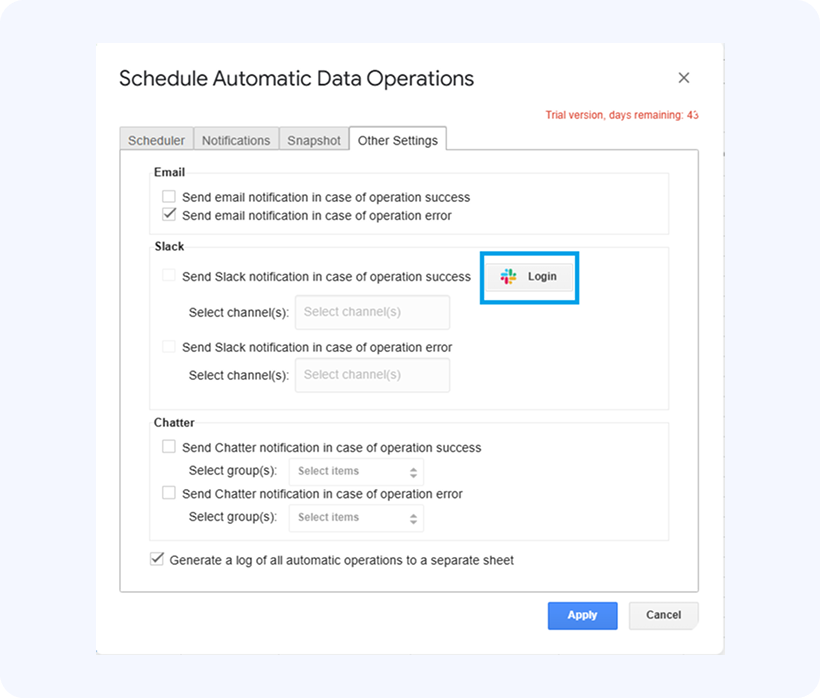
Click on Document Triggers -> Other Settings to access the available message distribution channels. Clicking on Login button that will let you connect to your Slack org:
Upon clicking on this button, you will need to authorize our Slack app to be able to write into your Slack channels:
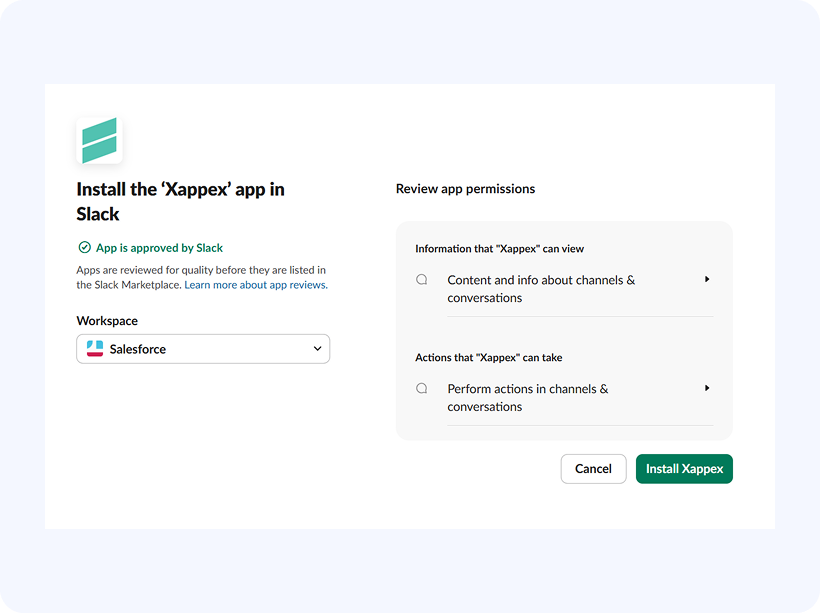
Once authenticated, G-Connector will be able to send Slack messages directly to the channel of your choosing.

