
 Get Started Free
 Looker Studio Connector for Salesforce
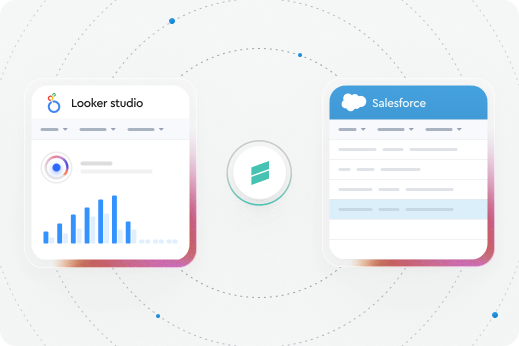
Create powerful Looker Studio reports and dashboards using your Salesforce data. Easily connect Salesforce to Google Looker Studio and turn your CRM data into clear, shareable dashboards—no spreadsheets, no manual exports. Free product
No credit card required
Trusted by exceptional brands around the world


















Sync Salesforce data directly into Looker Studio
-
Use existing Salesforce reports as a data source
-
Create custom datasets using SOQL queries
-
Pull all records from a specific Salesforce object
-
Visualize Salesforce data with charts, tables, and dashboards
Whether you need high-level KPIs or detailed object-level data, you decide exactly what data goes into your reports.
 Get it free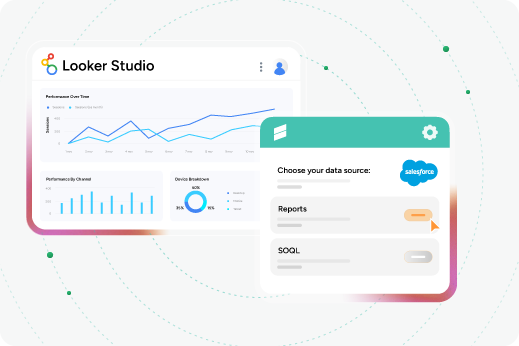
Why use the Looker Studio Connector for Salesforce?
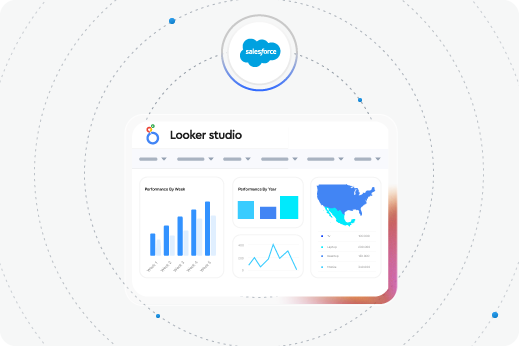
The Xappex Looker Studio Connector lets you use Salesforce as a live data source for your Looker Studio reports and dashboards. Your Salesforce data stays up to date while you focus on visualizing, analyzing, and sharing insights.
If you want your Looker Studio dashboards to automatically sync with Salesforce data, this connector is built for you
What Makes this connector the best choice to sync Looker Studio with Salesforce

Available for both Salesforce Lightning and Classic

Easy to install, simple to use

Free product

Automatic data sync
 More from Xappex
Discover Other Products by Xappex
XL-Connector
for Microsoft Excel-
Bulk import/export, update, delete data
-
Manage Salesforce metadata
-
Clean & transform data in Excel
XL-Connector 365
for Microsoft 365-
Real-time reports, scheduled workflows, team notifications
-
Collaborative data cleansing
-
Offline data loads

G-Connector
for Google Sheets-
Real-time reports and scheduled workflows
-
Collaborative data cleansing
-
Team notifications via Slack/Email

Excel Merge for Salesforce
-
Develop quotes, invoices and any other spreadsheet document to be stored in SharePoint or OneDrive
-
Control exactly what data users can download
Frequently Asked Questions
How often does the data automatically update?
The data refreshes automatically every 12 hours.
How can I install the Looker Studio Connector for Salesforce?
The connector is simple to configure—just follow the on-screen prompts to authenticate Salesforce and choose your data source. You’ll be creating your first Looker Studio report in minutes.
Is this a free product?
Yes, it’s completely free.
Does it support multiple Salesforce orgs?
Yes, you can connect to an unlimited number of Salesforce orgs.
Does it support Salesforce objects?
Yes, you can pull all data from a specific Salesforce object.
What limitations does this connector have?
The connector itself has no built-in limitations. Any limits are related to Looker Studio quotas (such as Google usage limits) and the level of access the user has in Salesforce.