
Can’t Export Salesforce Reports to Sheets? There’s a Free Fix
Salesforce new Step-Up Authentication is blocking report exports to Google Sheets— and your workflows may already be affected if you use the Salesforce Connector. Xappex G-Connector is built to handle exactly this. Run and automate Salesforce reports directly in Google Sheets — with no interruptions, no crashes, and no dead ends. Plus: schedule refreshes up to 100 spreadsheets at once, share live data with your whole team, and mass edit data.
Run Salesforce reports of any size — free, forever. No credit card required.
Keep Pulling Salesforce Reports with Xappex
Never let Salesforce export restrictions interrupt your reporting workflows. Export reports for free, work around the 2,000-row limit, or unlock unlimited report exports with Xappex.
-
Export Salesforce reports for free with the Xappex Free Plan (up to 2,000 rows per report).
-
Need more than 2,000 rows? Use the free Report-to-SOQL Converter to bypass the report export limit.
-
Export larger reports directly with any Xappex paid plan for a seamless experience.
 Get Started Free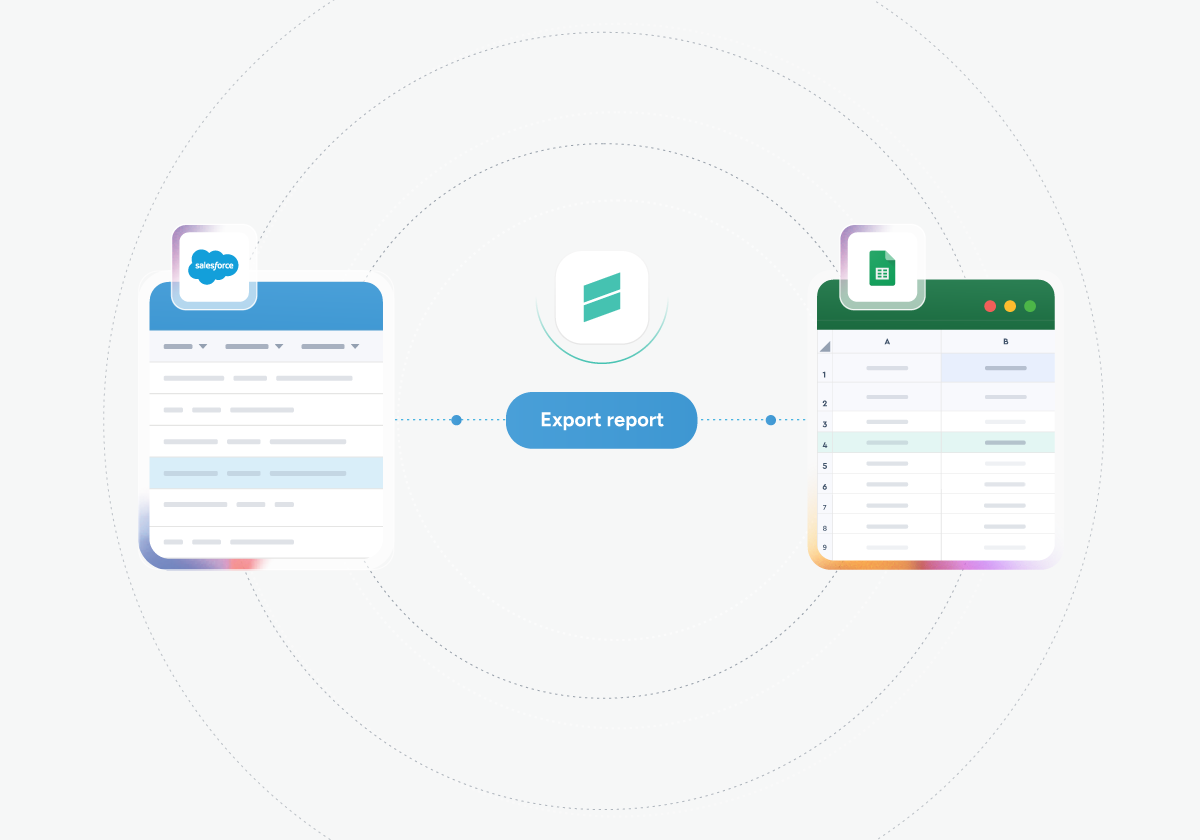
G-Connector saves us so much time by automatically updating exported reports as well as streamlining our data entry into Salesforce. Whenever we do run into an issue, the Xappex team has always responded quickly and help us resolve whatever is going on. Would definitely recommend to other Salesforce users! Andrea Serna

A Salesforce to Google Sheets Data Connector - That works!
The Native Google Data Connector was fine — until it wasn’t. G-Connector was built for reliability: it stays compliant with Salesforce updates, handles report exports, and comes with real human support when things get complicated. Here’s how they both stack up:
| Feature | G-Connector | Google Native Connector |
|---|---|---|
| Run Salesforce reports |
 Pull reports up to 2,000 rows or use the report to SOQL converter for larger reports (Free) Pull reports up to 2,000 rows or use the report to SOQL converter for larger reports (Free) |
 Broken by new Step-up requirements Broken by new Step-up requirements |
| Record limits |
Pulls reports of over 3,000,000 records per hour per org or unlimited data via SOQL |
Stops working with reports over 2,000 rows per hour |
| Human support |
Professional customer support team |
No support — community forums only |
| Multi-spreadsheet scheduling |
Schedule up to 100 Google Sheets per user automatically |
Operates on one spreadsheet at a time |
| Automation |
Pull & push operations, as often as hourly; each tab schedulable separately |
 Pull only; limited to every 4, 8, or 24 hours Pull only; limited to every 4, 8, or 24 hours |
| Refresh modes |
Overwrite, Append, or New Sheet per refresh
|
Overwrite only |
| Snapshot reporting |
Automatic snapshots saved to Google Drive on a schedule |
Not available |
| Team notifications |
Email, Slack, or Chatter alerts — with conditional triggers |
No notification support
|
| Salesforce compliance |
Regularly updated to meet Salesforce requirements |
Slow to update; prone to breaking |
| Picklist management |
Dropdown lists in picklist columns |
Not available |
Exceptional tool!
If you're someone who works extensively with Salesforce data and is looking for a tool to automate syncing with Google Sheets, this is an absolute must-have. G-Connector has transformed the way I handle and manipulate large volumes of data, making it an indispensable part of my toolkit.Alon RozinDirector of Revenue Operations, CloudShare

G-Connector: Everything the Salesforce Connector Does — and Everything It Doesn't
All the core features you rely on, plus the automation, flexibility, and power that the Google Native Connector was never built to handle.

Run Reports of Any Size — Free
No row limits, no size caps, no time outs. Pull any Salesforce report directly into Google Sheets at no cost, ever.

Two-Way Data Sync
Import from Salesforce and push updates back — no CSV files needed.

Flexible Scheduling
Automate refreshes hourly, every few hours, daily, or weekly — even when you’re offline.

Team Collaboration
Share live Salesforce data with anyone in your organization via Google Drive.

Bulk Spreadsheet Updates
Schedule automatic data workflows across up to 100 Google Sheets at once.

Advanced SOQL Queries
Filter and query Salesforce objects with precision, directly from Sheets.

Smart Notifications
Get alerts via email, Slack, or Chatter when data meets your criteria.

Snapshot Reporting
Automatically save historical data snapshots to Google Drive on your schedule.
This is the third company where I’ve used G-Connector, and calling it indispensable would be an understatement. As a sales leader, it’s been an invaluable tool for linking Google Sheets with Salesforce, enabling me to harness CRM data for deep insights that drive my team’s performance. Reliable, effective and one of my "secret weapons"!Justin Alsamarrai

Real People. Real Help. No Dead Ends.
Remember what it felt like to actually get help? At Xappex, every G-Connector user — free or paid — has access to a team of Salesforce-savvy professionals. Not a bot, not a help article rabbit hole. Whether you're migrating data, building a custom report, or a complex automated workflow, we're here. Our customers don't just get a tool — they get a team that walks with them every step of the way.

Built some complex spreadsheet apps using the G-Connector and I am very happy with it. Also, a huge shoutout to their Customer Support. Had some issues very recently with SOQL queries and the support team helped identify and resolve the issue within a few hours. Very impressive! .Wolfgang Böhm

 Safe & Secure
Security in G-Connector
Your data never leaves the secure connection between Google Sheets and Salesforce.
-
SOC2 Type 2 Compliant with annual security audits
-
Direct connection between Google and Salesforce only
-
Enterprise-grade security using platform authentication you've already approved
 Reviews
What People Say About G-Connector
Here’s what our customers have to say about Xappex products.
Time Saving App That Transforms Efficiency
This tool has genuinely made my job and the job of my team vastly more efficient. Its ease of use and automatic operations have made connecting Salesforce data to Google Sheets a fully automated, worry-free operation that saves loads of time.Will RitchingsSenior Director for Customer Insights, SecurityScorecard

Best Connector for Salesforce I've Used
I have worked with a lot of Salesforce & Google Sheets connectors over the last 10 years, and G-Connector has always been my go-to application. It saves me a ton of time by not having to export reports and keep updating via new exports or creating queries.Tami MillerHead of Delivery, Accelerize 360

Best Value Tool for Reporting
I rely heavily on this tool to summarize financial data and business KPIs in Google Sheets, so that metrics can be more easily shared than an SF dashboard. I'm not one to pay for premium software if I don't have to, and this is perhaps the best value tool I use.Jeremy BardetVice President Finance and Operations, Pioneer Motor Bearing Co.

An Exceptional Tool for Data Management
I've been a dedicated user of G-Connector for the past five years, and I can confidently say that it is absolutely exceptional. G-Connector has transformed the way I handle and manipulate large volumes of data, making it an indispensable part of my toolkit.Alon RozinDirector of Revenue Operations, CloudShare

Created Operational Dashboard with Live Data
When it came to creating a complete operational dashboard for one organization I worked with, G-Connector was far and beyond the best solution! Our dashboard allowed us to track progress against program goals in a compact format that we could pull up anywhere.Grant NevilleGrowth Operations, Checkit

Join our community of satisfied customers
Try our powerful Salesforce data tools for free or upgrade for full access.
 Get Started Free
No credit card required
Your reports shouldn't depend on Google keeping up with Salesforce
Run Salesforce reports of any size — free, forever. No credit card required.