Salesforce Excel Connector — Export, Import, Edit and Automate Your CRM Data
Stop wrestling with CSV files and manual data exports. Xappex powerful tools let you export Salesforce to Excel, transform your data and import it back — with full control, automated scheduling, and zero limitations. Work on any platform: Windows, Mac, or Excel Online.
No credit card required

4.8 / 5
Salesforce AppExchange rating
 Features
Powerful Salesforce to Excel Data Connectors

Unlimited Data Processing
Handle 50K+ records without crashes or slowdowns. Built for enterprise-scale data operations.

Metadata Management
Manage fields, validation rules, processes, and security settings in bulk directly from Excel. Complete admin toolkit.

Lightning-Fast API Connection
Real-time data sync with optimized performance. No more waiting for exports to complete.

Bulk Operations Mastery
Update thousands of records in minutes. Merge duplicates, cleanse data, and maintain quality at scale.

Multi-Org Support
Switch between Salesforce environments effortlessly. Manage multiple orgs from one interface.

Complex Analysis Tools
Advanced formulas, pivot tables, and calculations. Unlock insights Salesforce reports can't provide.
Choose the Right Tool for Your Workflow
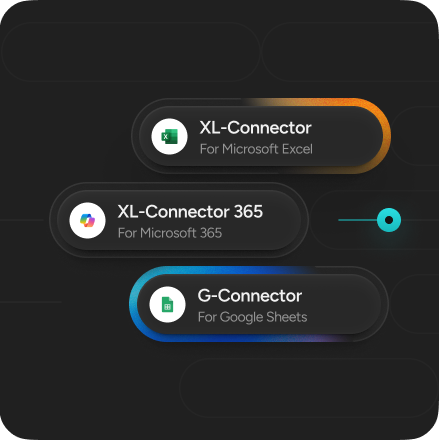
We built two products because Salesforce teams work differently. Pick the one that matches how you work:
Your Complete Salesforce Toolbox in Excel
-
Load data with precision — insert, update, upsert, delete with preview-before-commit
-
Manage metadata directly from Excel — export, edit, deploy
-
Build custom reports with the SOQL query builder
-
Audit and cleanse data at scale
-
Connect to multiple Salesforce orgs and easily exchange data between them
 Get Started For Free
Salesforce Data for Your Whole Team
-
Create live reports everyone can access
-
Edit, cleanse and load data — even when offline
-
Collaborate in real-time with SharePoint and OneDrive
-
Schedule automated data operations
-
Work from anywhere — Mac, Windows, or your browser

Everything You Need to Manage Salesforce Data in Excel
Export Salesforce Data Without Limits
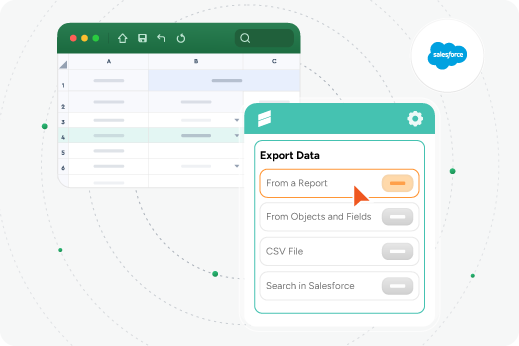
Export Salesforce to Excel with zero limits — all your contacts, accounts, leads, opportunities, and custom objects, even metadata, in one click. Pull entire reports (standard, custom, or joined) or specific list views from Lightning or Classic. Get all fields, all rows, all the time.
Import and Update Data from Excel
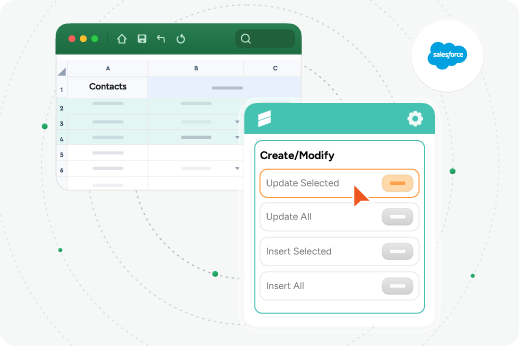
Import data into Salesforce from Excel with full control and safety. Upload contacts, leads, accounts — any object. Built-in error handling shows you exactly what will break before it touches your org. Perfect for bulk imports, updates and upserts from Excel to Salesforce when you need to move thousands of records.
Scheduled Automation That Just Works
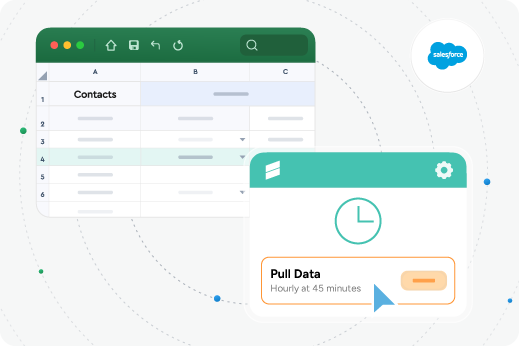
Stop repeating the same operations every week. Set up automatic Salesforce data exports that run on your schedule — daily, weekly, monthly. Keep backups of critical data without lifting a finger. Schedule imports, updates, and data quality checks too. Available in both XL-Connector and XL-Connector 365.
Query Salesforce with SOQL
Skip the limitations of reports. Write and run SOQL queries directly from Excel. Build complex queries with filters, relationships, and subqueries. Save your queries and reuse them. Turn Excel into a powerful Salesforce data export workstation for advanced reporting and analysis.
Work Together, From Anywhere
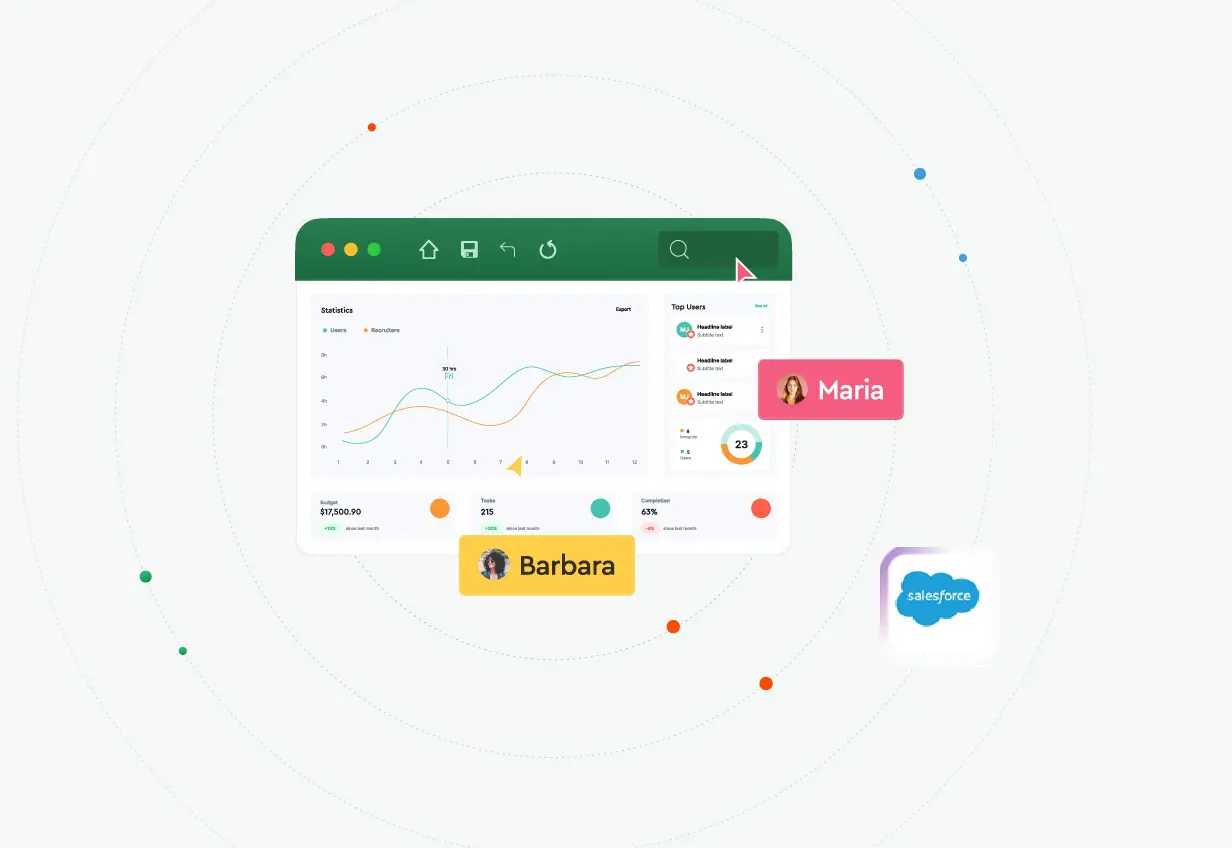
Your Salesforce Excel integration shouldn’t lock you to one device. XL-Connector 365 works on Mac, Windows, and Excel Online. Store workbooks in SharePoint or OneDrive so your whole team can collaborate. Prepare data loads offline, then sync when you reconnect. The only cross-platform Salesforce connector that works everywhere your team does.
 Benefits
XL-Connector advantage for your Salesforce data

Best Customer Support
Our world-class Salesforce Professional Edition Support makes the difference. Our customers say support is worth the cost alone!

Unlimited Scale
Handle datasets other tools can't process. No record limits or performance bottlenecks when working with enterprise data volumes.

Complete Feature Set
Full admin toolkit included. Other tools offer basic sync—we deliver comprehensive control and advanced operations for power users.

Proven Reliability
14+ years of enterprise deployments. Built for mission-critical operations with consistent performance across all industries.
Here’s what our customers have to say about Xappex products.
It’s like an Admin superpower
As a Salesforce admin, XL-Connector was my superpower for data loading and data transformation. I still recommend it to every admin I work with. It's one of my must haves in my toolkit. Jason DobroleskiManager, Engagement at Traction Rec

XL-Connector a must for any Admin
XL-Connector has been one of main super apps in my toolkit. I use it daily and couldn't live without it. It simplifies things so much when you work heavily in spreadsheets and manipulate/report data and can easily push/pull data from Salesforce. And there are so many other cool other features that make the life of an admin so simple. You should get it now!Bao Do, CPASolution Architect at Accretive Advisory

Awesome data management tool + more!
Simple to use, I have all my orgs connected to it and it is so easy to transfer data between source & destination with its field mapping and friendly UI. I especially love the additional tools for managing fields, picklists, FLS and more system orientated metadata. A real bonusRobert ReevesSenior BRM Salesforce at Zimmer Biomet

So Unique. So Useful. So Essential.
Thinking about it, if I lost access to this tool, I would really struggle to do my job or help customers. I genuinely believe it is the best money any company can spend on an AppExchange product, and it literally pays for itself within weeks when you see how much better your data becomes. It should also be the first tool any new Admin asks for when they start a new job.Dave HolfordSalesforce Solution Architect at Freelance

A robust tool for Admins and Consultants working from Excel
This tool has added so much value to projects and data loads over my consulting career. Being able to work from Excel to load test data into Sandboxes, understand how customer data is structured and download object data models has simply made my life easier and saved me hours. Additionally, the team at Xappex are responsive and supportive to feedback, suggestions, and queries.Alastair DinningEngagement Delivery Manager at Salesforce

Try our powerful Salesforce data tools for free or upgrade for full access.
 Get Started Free
No credit card required
We’ve Got Answers
Frequently Asked Questions
How do I export Salesforce reports to Excel?
With XL-Connector or XL-Connector 365, you can export any Salesforce report to Excel in one click. Standard, custom, and joined reports are all supported. Select your report, click export, and it downloads to Excel with all your columns and filters intact. You can also schedule automatic report exports to keep your data current.
Can I import data from Excel to Salesforce?
Yes. Both products let you import data into Salesforce from Excel for any standard or custom object. Upload new records (contacts, leads, accounts, opportunities) or update existing ones. Every import shows you a preview before execution, and built-in error handling catches issues before they touch your org.
What’s the difference between XL-Connector and XL-Connector 365?
XL-Connector runs on Microsoft Excel for Windows. It’s built for Salesforce admins and developers who need advanced features: Serious data work, SOQL queries, metadata management and data auditing tools.
XL-Connector 365 works on Mac, Windows, and Excel Online. It’s built for teams who want to view, edit, and automate Salesforce data collaboratively. It includes SharePoint and OneDrive integration, offline capability, and cross-platform support.
Does the Salesforce Excel connector work on Mac?
Yes. XL-Connector 365 works on Mac, Windows desktop, and Excel for the web. XL-Connector is Windows-only. If you're on Mac, choose XL-Connector 365.
Can I export custom objects and custom fields?
Yes. Both products support any standard or custom object in your Salesforce org, including all custom fields and relationships. If it exists in Salesforce, you can export it to Excel.
Is there a row limit on exports?
No. Salesforce's built-in list view export caps at 2,000 rows. Both XL-Connector and XL-Connector 365 use the Salesforce API to handle unlimited rows — pull your entire database if you need to.
Can I schedule automatic Salesforce data exports?
Yes. Both products support scheduled automation. Set up daily, weekly, or monthly exports, imports, and updates. XL-Connector 365 also lets you prepare data loads offline and sync them when you reconnect to the internet.
Can I work offline with XL-Connector 365?
Yes. XL-Connector 365 lets your team prepare and perform data loads even when offline. Changes sync to Salesforce automatically when you reconnect. This is unique to XL-Connector 365 and ideal for teams that travel or work remotely.
Does XL-Connector 365 integrate with SharePoint and OneDrive?
Yes. Store your Salesforce data workbooks in SharePoint or OneDrive for seamless team collaboration. Share live reports across your organization, version-control your data, and let multiple people work on the same file.
Is my data secure?
Both products use OAuth 2.0 authentication — your Salesforce credentials are never stored. All data transfers happen through Salesforce's secure API. We never see your login information or your data.
Supercharge Your Workflow
Start Working with Salesforce Data In Seconds
No credit card required