Get Started Free



To be able to put XL-Connector Mail Merge managed package components on a page layout of any specific object, you will first need to create these components for that object.
Once created, the VisualForce component will become available for adding to any layout of that specific object:
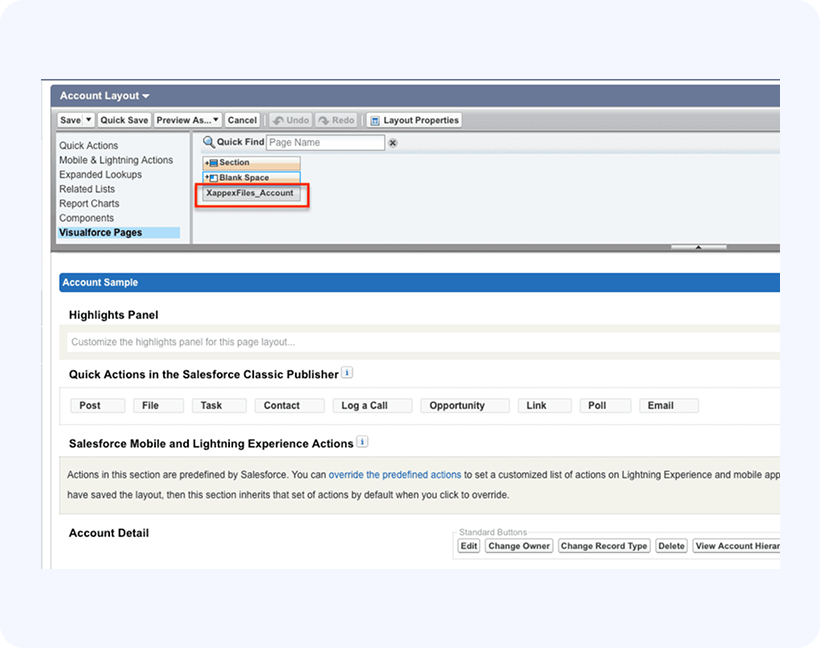
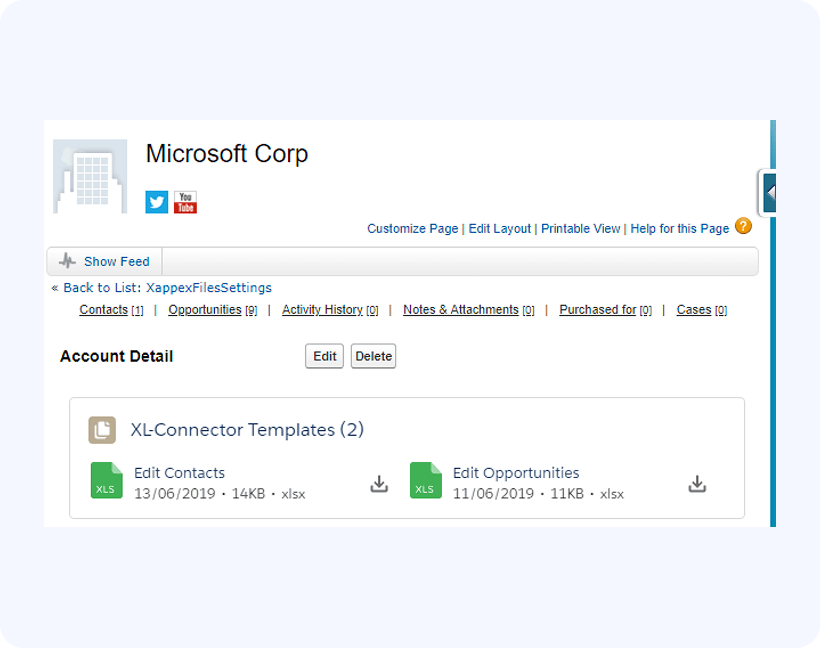
Simply drag the XappexFiles component from the Visualforce Pages section of the layout editor and drop it to the place on the layout where you want it to appear. Then save the layout. Here’s how the layout will look when this component has been added and specific Excel files configured: