Get Started Free



To delete records from Zoho CRM in bulk using G-Connector, you will only need a column of record IDs in your Excel spreadsheet.
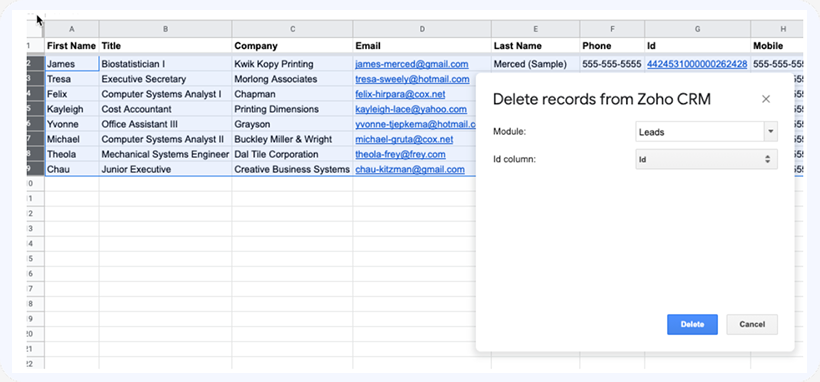
So as long as you have a column of record IDs in your spreadsheet, you can select the rows you want deleted from the Salesforce.com database, click Add-ons -> G-Connector for Zoho CRM -> Delete Selected Row(s) , select the module you are deleting records from, select the column containing record Ids, and click on Delete: