Get Started Free



A Quick Tip to Make your Work with Salesforce Reports Even Easier
When you first pull a report from Salesforce to Excel using XL-Connector’s Get Reports function – you can populate your picklist columns with drop-downs containing all available picklist values. Here’s how to do that:
-
1
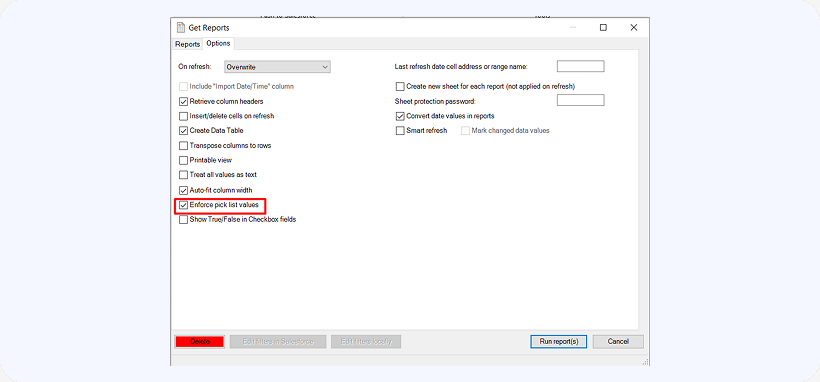
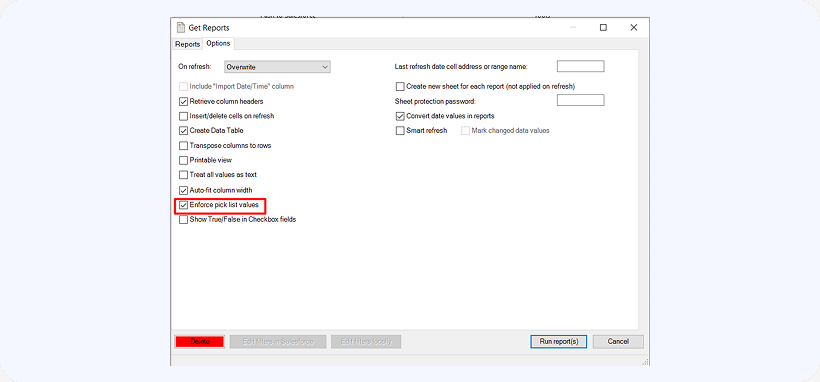
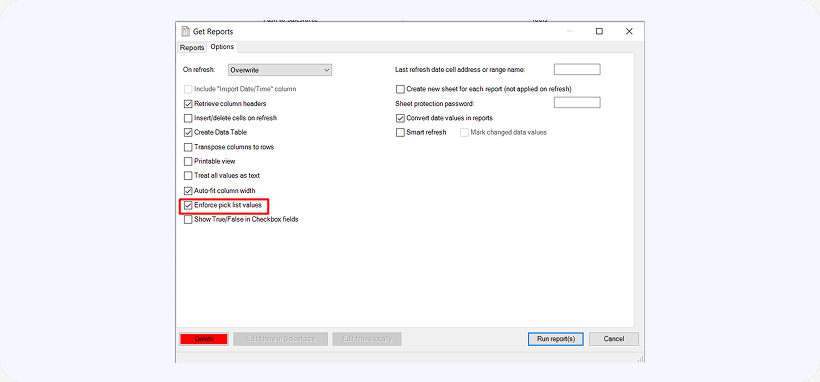
After you click the Reports button, click the Options tab.
-
2
Check the Enforce Picklists box from the options:

-
3
Your picklist values should now be populated: