
 Get Started Free



Once you pull data from Zoho CRM to a specific tab in your Google Sheet, that tab becomes associated with the pulled module.
At this point you can always fetch the most up-to-date data for that module by clicking on one of the following menu items:
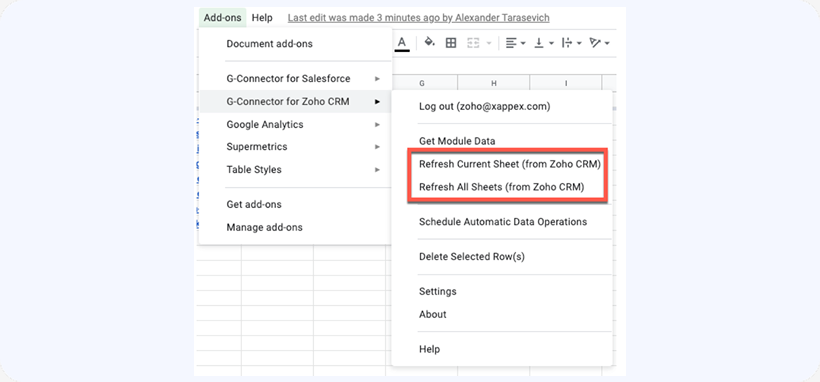
Refresh Current Sheet – re-pulls fresh module data from Zoho CRM and updates it in the currently active sheet.
Refresh All Sheets – iterates through all sheets in the current Google document, re-pulling fresh module data from Zoho CRM and updating it in each sheet.

