Get Started Free



The Importance of Email Alerts in Salesforce Flows
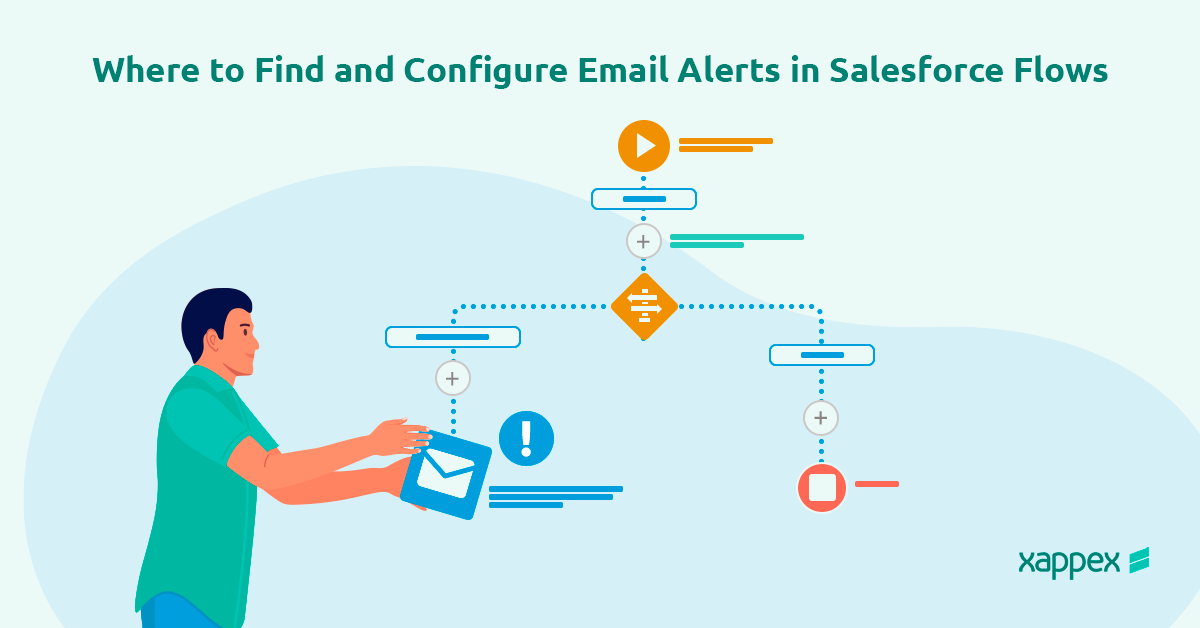
Email alerts in Salesforce Flows are powerful tools for automating notifications and improving efficiency in business processes. By sending timely, automated emails based on certain triggers, businesses can make sure important information reaches the right people. This process requires no manual work. This functionality not only improves productivity but also reduces the risk of missed communications.
Understanding Email Alerts in Salesforce Flows
What Are Email Alerts in Salesforce Flows?
Email alerts are predefined messages sent to specific recipients based on criteria met within Salesforce. When incorporated into flows, these alerts enable dynamic communication tied directly to data changes or user actions.
Benefits of Using Email Alerts
-
Timely Notifications: Keep users or external stakeholders informed about critical updates or actions.
-
Automation: Reduce manual effort by integrating automated communication into your workflows.
-
Customizability: Create email templates to match your business needs, ensuring clarity and professionalism in your messages.
-
Improved Accountability: Ensure team members or clients are notified of their responsibilities or updates, improving follow-through.
Where to Find Email Alerts in Flows in Salesforce
To use email alerts effectively, they must be configured properly and integrated into your flows. Below are the steps to locate and configure email alerts within Salesforce.
1. Create an Email Alert in Salesforce
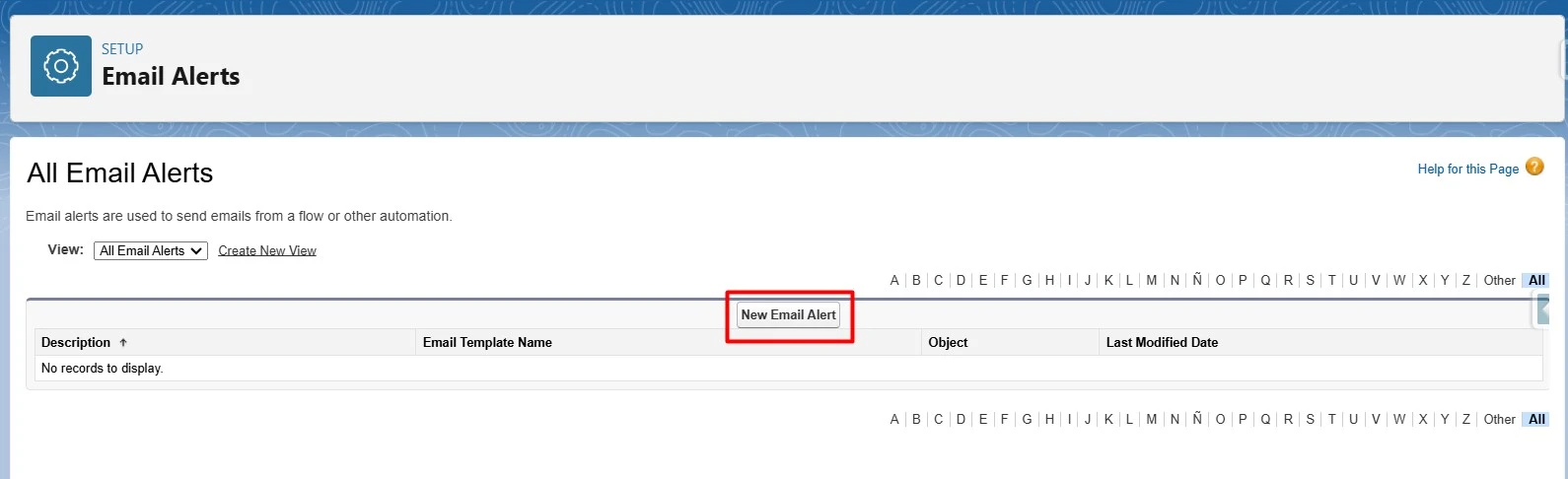
- Navigate to Setup.
- In the Quick Find box, type Email Alerts and select the corresponding option.
- Click New Email Alert.
- Fill in the required details such as the alert name, object, recipients, and the email template to use.
2. Build or Modify a Salesforce Flow
- Go to Setup and type Flows in the Quick Find box.
- Select Flows and either create a new flow or edit an existing one.
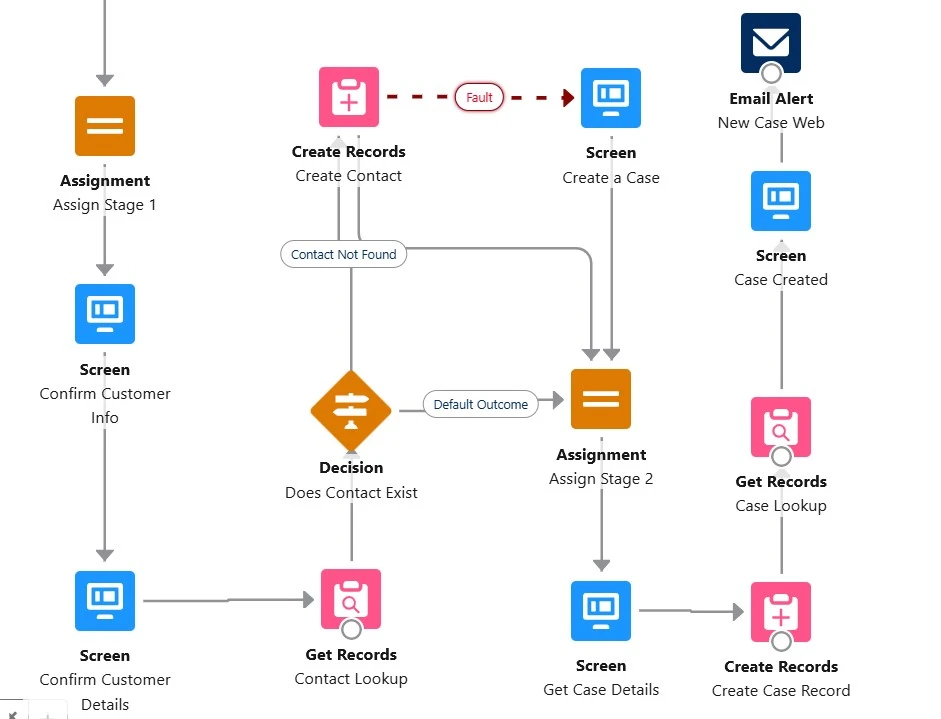
3. Add the Email Alert Element
- In the Flow Builder, locate the Elements panel.
- Drag and drop the Action element into your flow.
- In the Action dropdown menu, search for the email alert you previously created.
- Map the required fields in the email alert to the variables or records in your flow.
4. Test the Flow and Email Alert
- Save and activate your flow.
- Test it by running the flow or triggering it through the defined entry criteria.
- Verify that the email alert is sent to the correct recipients with the expected content.
An Alternative to Flows for Email Alerts in Salesforce
For users looking for a simple and flexible way to send email alerts in Salesforce without building complex Flows, G-Connector offers a powerful alternative. By integrating Salesforce data with Google Sheets, G-Connector allows users to automate notifications directly from their spreadsheets. With its scheduling feature, users can set up recurring tasks to pull Salesforce data into Google Sheets, apply filters or logic, and send customized email alerts based on predefined conditions. This method is an efficient solution for users looking to automate notifications without the hassle of Salesforce automation tools.
Conclusion
Email alerts in Salesforce Flows are essential for improving communication and automating processes. By following the steps above, you can set up and use email alerts. This will keep your team and stakeholders informed. This integration not only enhances workflow efficiency but also strengthens the overall reliability of your Salesforce processes.
Start a 14-day free trial of G-Connector and see an immediate boost in your data management!

Florencia Mouriz
Florencia Mouriz is a professional with over two years of experience at Xappex, where she has performed as a Technical Support Agent and Coordinator, and Technical Writer. In this role, Florencia provides support to customers while creating educational content and tutorials that guide users through the implementation of Xappex tools with Salesforce. Her contributions seek to enhance customer understanding and optimize the use of these tools.
Before joining Xappex, Florencia gained valuable experience participating in diverse projects for other companies, where she worked as a Salesforce Administrator and implemented Vlocity solutions. She has an extensive background in Salesforce ecosystems and is determined to deliver impactful results for our company.
Based in Tandil, Bs As, Argentina
To learn more about Florencia’s experience and connect with her, visit her LinkedIn profile