Get Started Free



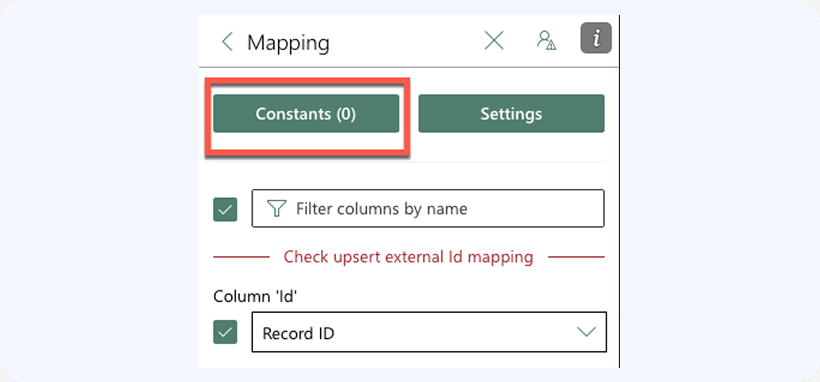
When mappings fields for Update, Insert, or Upsert operations, you can map one or more Salesforce fields to a constant value, either defined in the mapping or taken from a cell in the spreadsheet. To define constant mappings, click on Constants button in the mappings page:
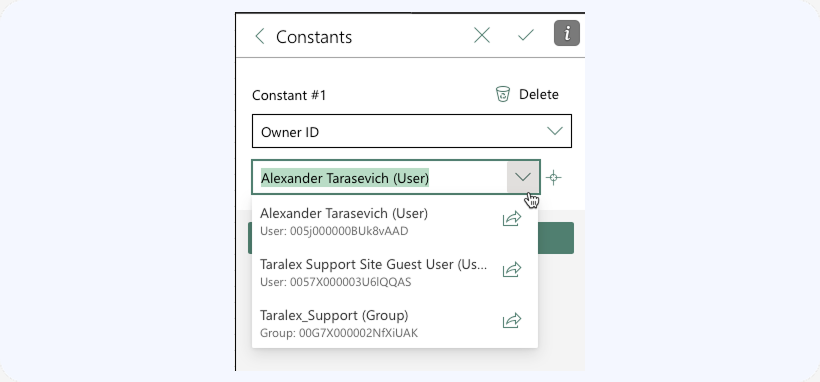
In the subsequent dialog box, you’ll be able to define constant mappings:
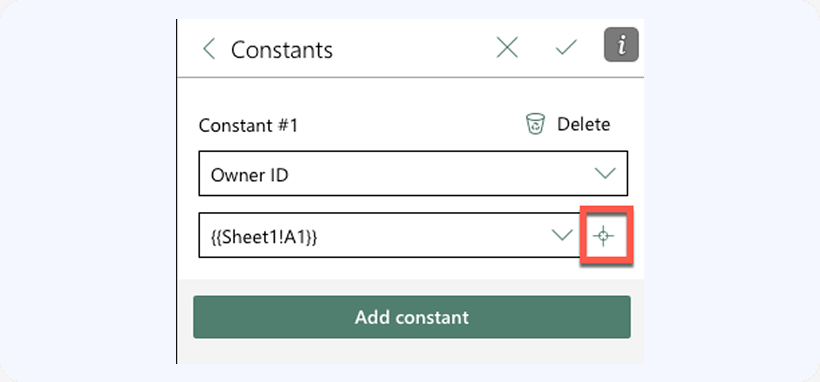
If you would like the constant value mapped to a field to be dynamically read from a cell in your spreadsheet – select the cell that will hold the constant value and click the little crosshair button next to the constant value box: