Get Started Free



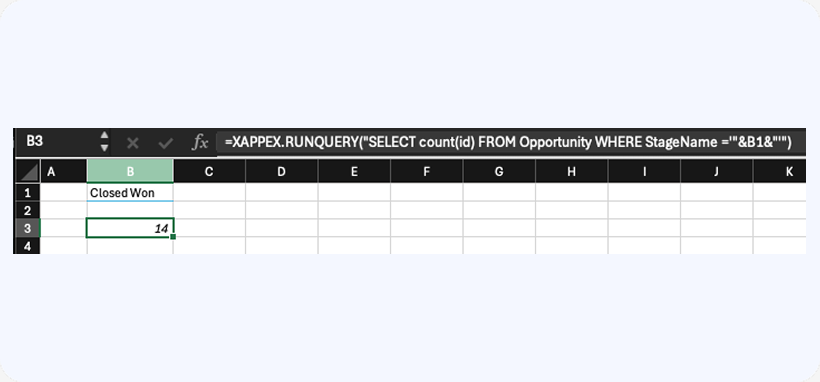
XL-Connector 365 supports running SOQL queries directly as in-cell formulas. You can craft a custom query that will return either one value or multiple rows/columns and display them directly in the Excel worksheet.
The query would look as follows:
=XAPPEX.RUNQUERY(“SELECT count(id) FROM Opportunity WHERE StageName =’”&B1&”‘”)
Where cell B1 would hold the value for the Stage filter