Get Started Free



Excel templates should be uploaded to Salesforce as Files.
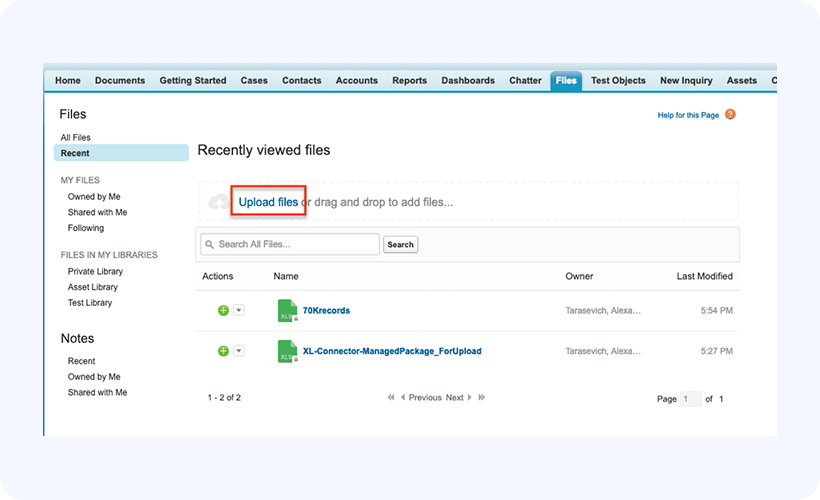
To upload a template, simply go to the Files tab and click on Upload Files:
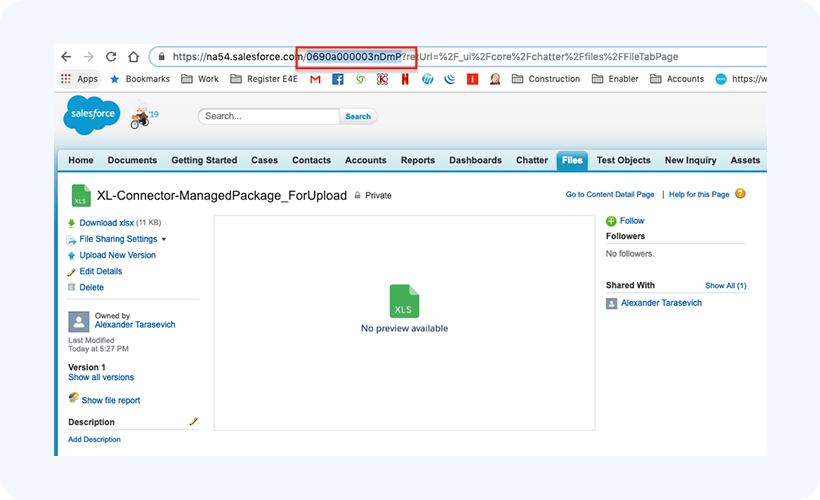
Important: when uploaded, take a note of the Id of the File record for the template, it will be needed when configuring the managed package: