Get Started Free



Please note, this article is only intended for Google Workspace admins
-
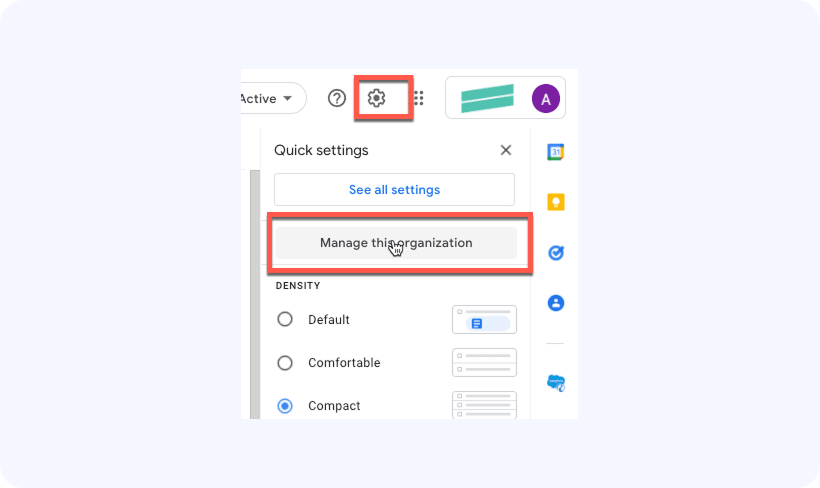
Click on the Settings -> Manage This Organization button:
-
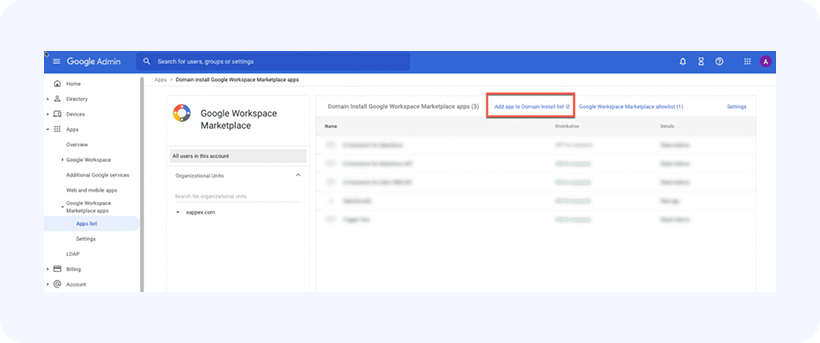
In the left-hand navigation pane, go to Apps -> Google Workspace Marketplace Apps -> Apps list
Click Add app to Domain Install list:

-
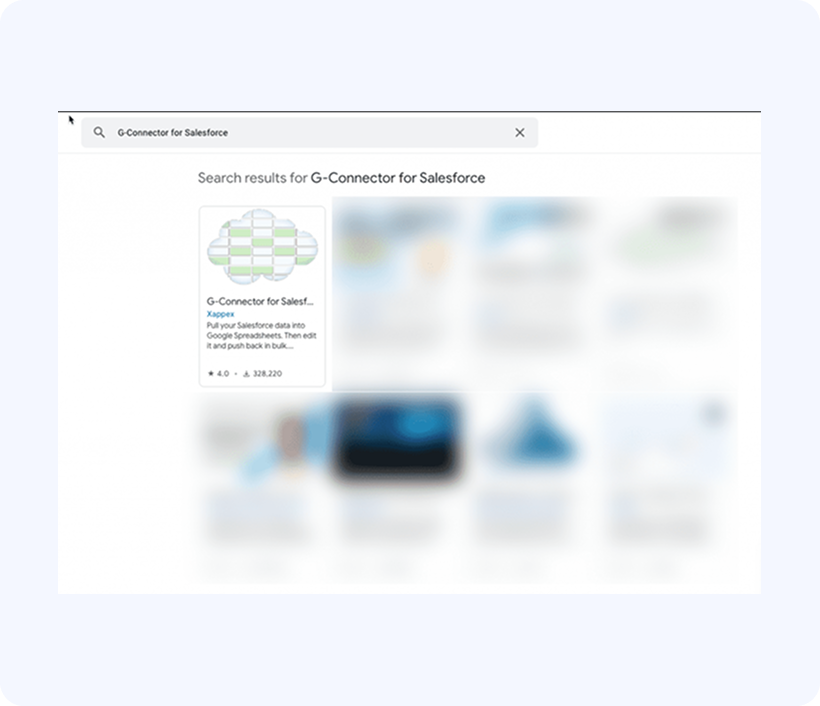
Search for G-Connector for Salesforce and once it’s found, click on it:
-
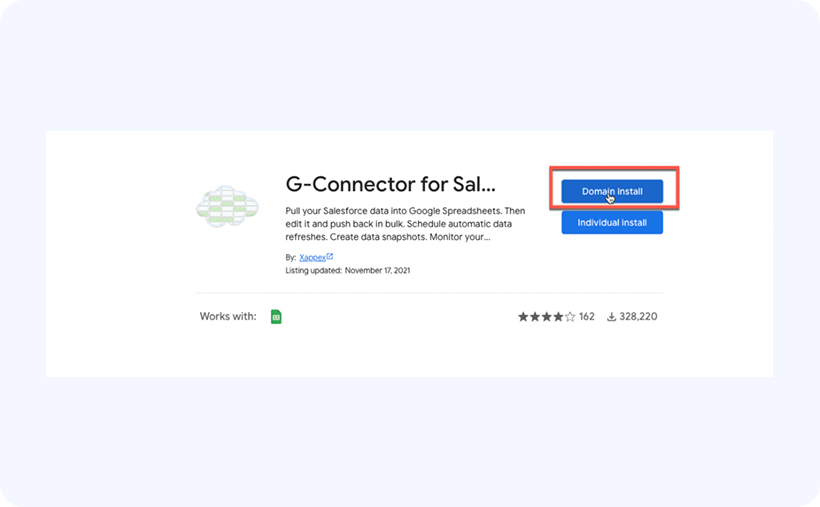
In the subsequent screen, click on Domain Install:
-
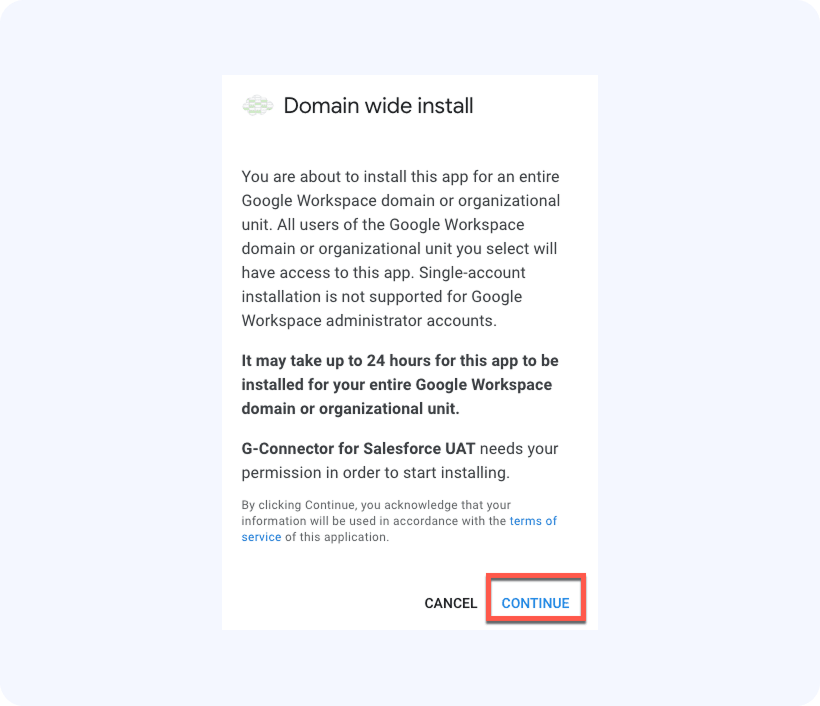
Click on Continue: